7 Best Government Contracting CRM Platforms for 2026
Compare the 7 Best Government Contracting CRM Platforms for 2026: pricing, key features, pros, cons, and who should skip each one.
Most government contractors are paying for CRMs that were built for enterprise sales teams, not for the way federal pursuits work. The evidence is obvious in the federal market itself, where small businesses won more than $183 billion in prime contracts in fiscal year 2024, or 28.8% of all federal contracting dollars, according to the Small Business Administration, and where the right system has to track agencies, NAICS codes, set-asides, incumbents, deadlines, and proposal handoffs, not just contacts and deals SBA record-breaking 2024 federal contracting announcement. This ranking separates tools by the workflow they replace, discovery, capture, pipeline tracking, or proposals, and by who they serve. It also treats pricing transparency as a real buying factor, because quote-only vendors and opaque modules create a different decision than tools with visible entry costs.
1. SamSearch
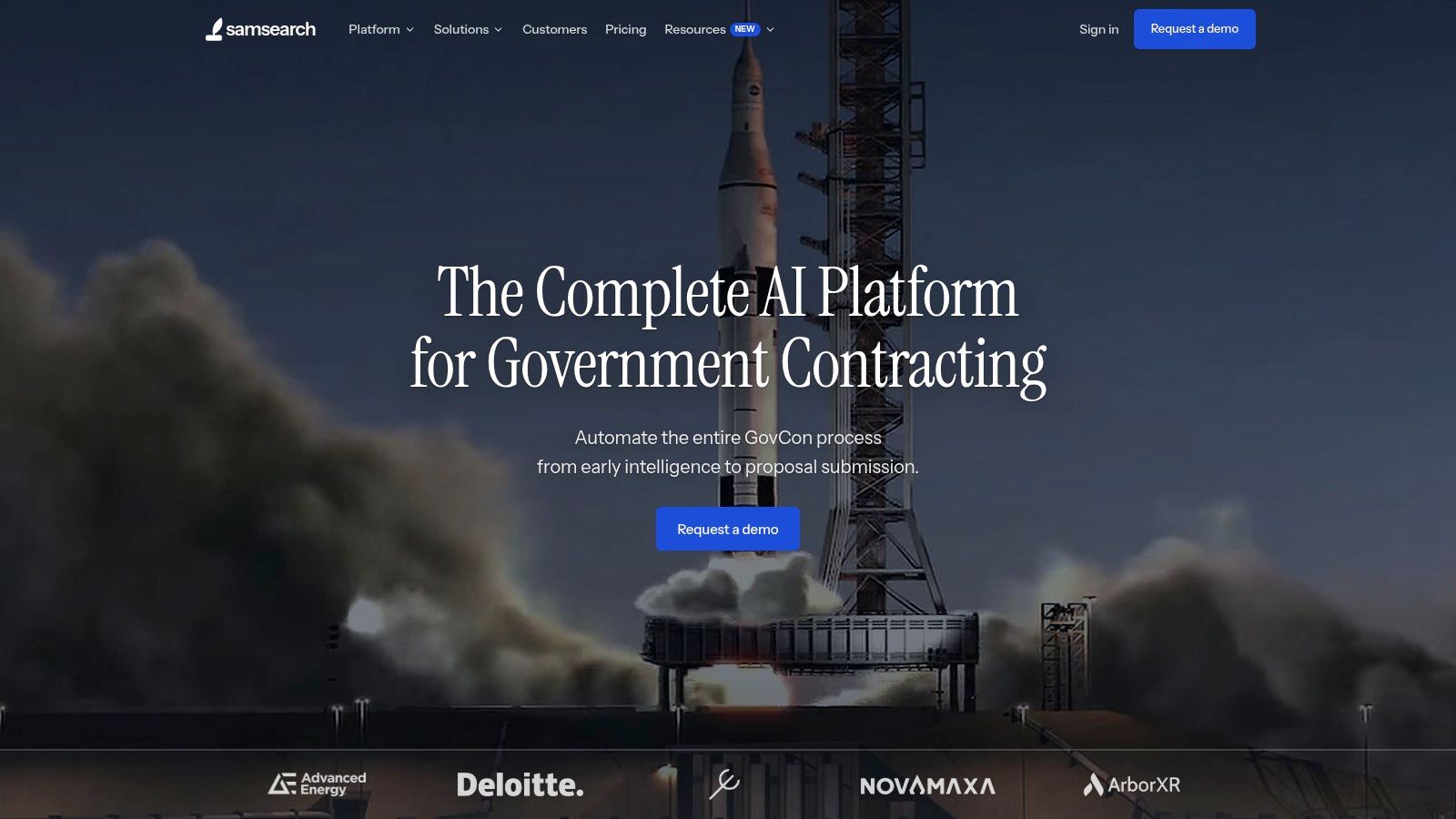
SamSearch is the strongest choice when you want one system to replace separate discovery, capture, CRM, and proposal tools. Its GovCon-native Journey Hub is built around the way contractors move from opportunity discovery to analysis, pursuit management, response, and finance, which makes it a better fit than a generic sales CRM for teams handling federal-specific records and workflows.
Why it wins for end-to-end GovCon work
The platform's scope is the point. SamSearch covers federal, state, local, education, Canadian, defense, subcontracting, grant, SBIR/STTR, and GSA eBuy sources, so a small or midsize contractor can work from one pipeline instead of stitching together multiple databases SamSearch. Its workflow stages, Influence, Capture, Analyze, Manage, Respond, and Finance, match the sequence many BD teams already follow in practice.
Practical rule: if your team is still copying opportunity data from search tools into a separate CRM, SamSearch removes the most expensive handoff.
The trade-off is straightforward. SamSearch is not the right buy for a team that only wants a standalone contact database, because the value comes from combining AI analysis, pipeline management, and proposal work in one place. It is also quote-based, so buyers who need public pricing to shortlist vendors quickly may want to compare it against lower-friction options first.
For contractors who need a system that reflects the structure and timing of federal acquisition, SamSearch is the cleanest fit. If that sounds like your workflow, GovCon Reviews is a useful place to compare it against other GovCon-focused platforms before you commit.
2. TechnoMile Growth CRM
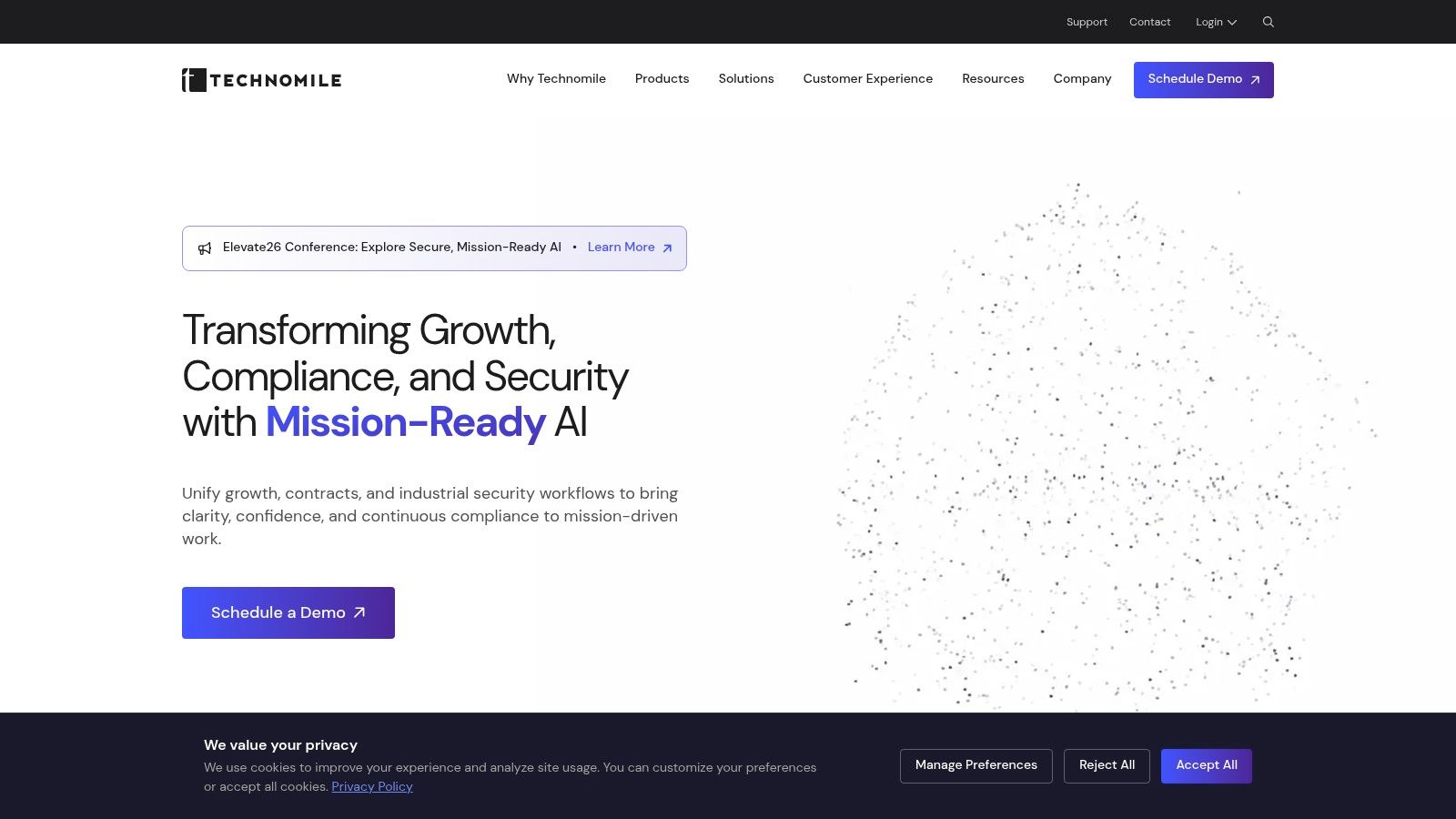
TechnoMile Growth CRM makes sense when you want a GovCon-specific layer on top of a platform your team already knows. The upside is familiarity, because it runs on Salesforce or Microsoft Dynamics 365, while adding government-contracting data models for accounts, opportunities, pursuits, and partner records.
Best for teams that already live in Salesforce or Dynamics
That architecture is the main reason to buy it. If your organization already depends on Salesforce or Microsoft, TechnoMile lets you extend that environment into federal BD without rebuilding the entire stack. It also supports government cloud environments, which matters for firms trying to align platform choice with security posture and tenant strategy.
The downside is implementation weight. This is not a lightweight SMB CRM, and the product sits closer to an enterprise deployment than a quick-start tool. Pricing is quote-based, so you're unlikely to compare it cleanly against entry-level vendors without a demo cycle.
Skip it if: you're a small contractor trying to replace spreadsheets fast, or if you don't already have Salesforce or Dynamics staff who can support the rollout.
TechnoMile works best for organizations that need GovCon structure without abandoning a familiar ecosystem. It's less attractive if you want a standalone system that can be adopted by a lean BD team with minimal process change.
3. Microsoft Dynamics 365 Government
Microsoft Dynamics 365 Government is the strongest fit for contractors already standardizing on Microsoft's government cloud stack. The advantage is not GovCon specificity out of the box, it's ecosystem depth. Teams can keep Dynamics 365 Sales and Power Platform in the same tenant as Microsoft 365, SharePoint, Teams, and Power BI, which reduces the friction of moving data across disconnected tools Microsoft Dynamics 365 Government.
Choose it for tenant control, not GovCon specialization
That same strength is also the limitation. Dynamics 365 Government gives you a broad platform and a credible government-cloud story, but it does not ship with GovCon-specific objects or capture workflows the way a purpose-built contractor system does. You'll need customization to make it behave like a real federal pursuit workspace.
The right use case is a contractor that wants tight alignment with Microsoft infrastructure, government-cloud options, and extensibility through Power Platform. That makes it a logical option for organizations with existing Microsoft-heavy operations teams and a willingness to build contractor-specific processes on top.
The wrong use case is a small business that needs immediate GovCon discipline without a long setup cycle. If your team wants agency, NAICS, set-aside, and pursuit logic ready on day one, this is more of a build platform than a finished GovCon CRM.
The trade-off in one sentence
Dynamics 365 Government is a better choice for IT standardization than for out-of-the-box federal capture workflow. If your procurement and security teams already prefer the Microsoft route, it fits. If your BD team needs specialized GovCon functionality right away, it will feel like a customization project.
For buyers comparing Microsoft-centered options, GovCon Reviews is a practical source for seeing where Dynamics fits relative to more specialized contractor tools.
4. Deltek Costpoint CRM & Contracts
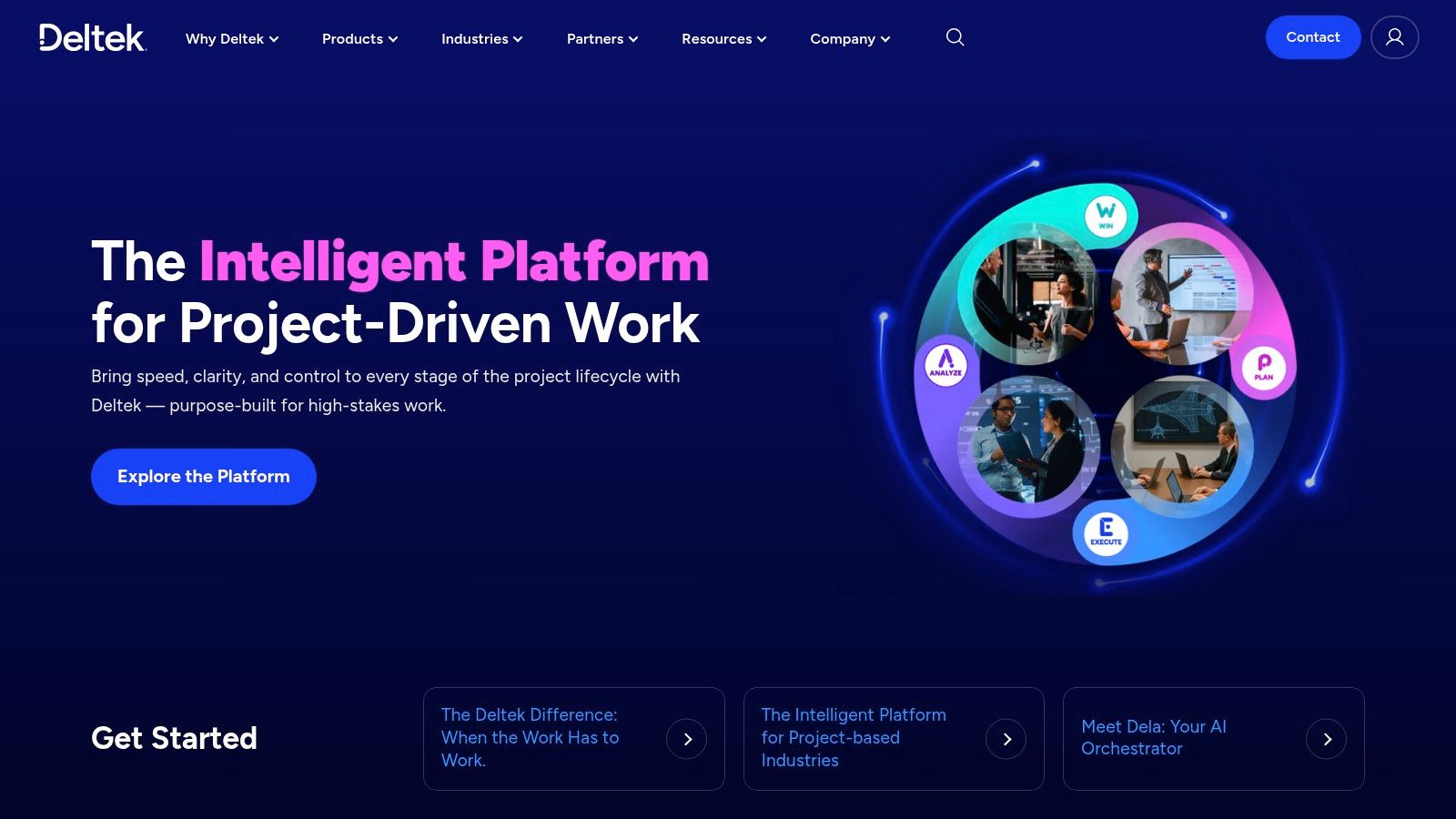
Deltek Costpoint CRM & Contracts is best understood as an ERP-first option that keeps business development closer to accounting and project operations. It manages leads, contacts, opportunities, competitors, and contracts within Costpoint, and that matters most for firms already living in the Deltek ecosystem.
Best when finance and BD must stay together
The advantage is control. Because it shares data with Project Accounting, and planning data can flow back into opportunities, existing Costpoint users can reduce integration risk and avoid the reporting gaps that come from stitching together separate tools. For firms that already rely on Costpoint for accounting and projects, that can be a real operational gain.
The trade-off is usability and focus. The interface and flexibility may trail more modern dedicated CRMs, and the roadmap is still ERP-first. That means the module can feel like part of a larger system rather than a specialized capture workspace built around how BD teams work every day.
Skip it if: you don't already use Costpoint, or if your team wants fast adoption and modern CRM ergonomics more than ERP integration.
Deltek also makes sense for customers who want pipeline data to connect to the broader cost and project picture, especially where contracts and financials need to stay synchronized. But if your core problem is opportunity discovery or proposal speed, Costpoint CRM won't be as sharp as a purpose-built GovCon tool.
The plain verdict is this. Deltek is strongest for existing Costpoint customers who value system coherence over CRM elegance. Everyone else should compare it carefully against lighter, more specialized platforms before accepting the ERP overhead.
5. Capture2Proposal
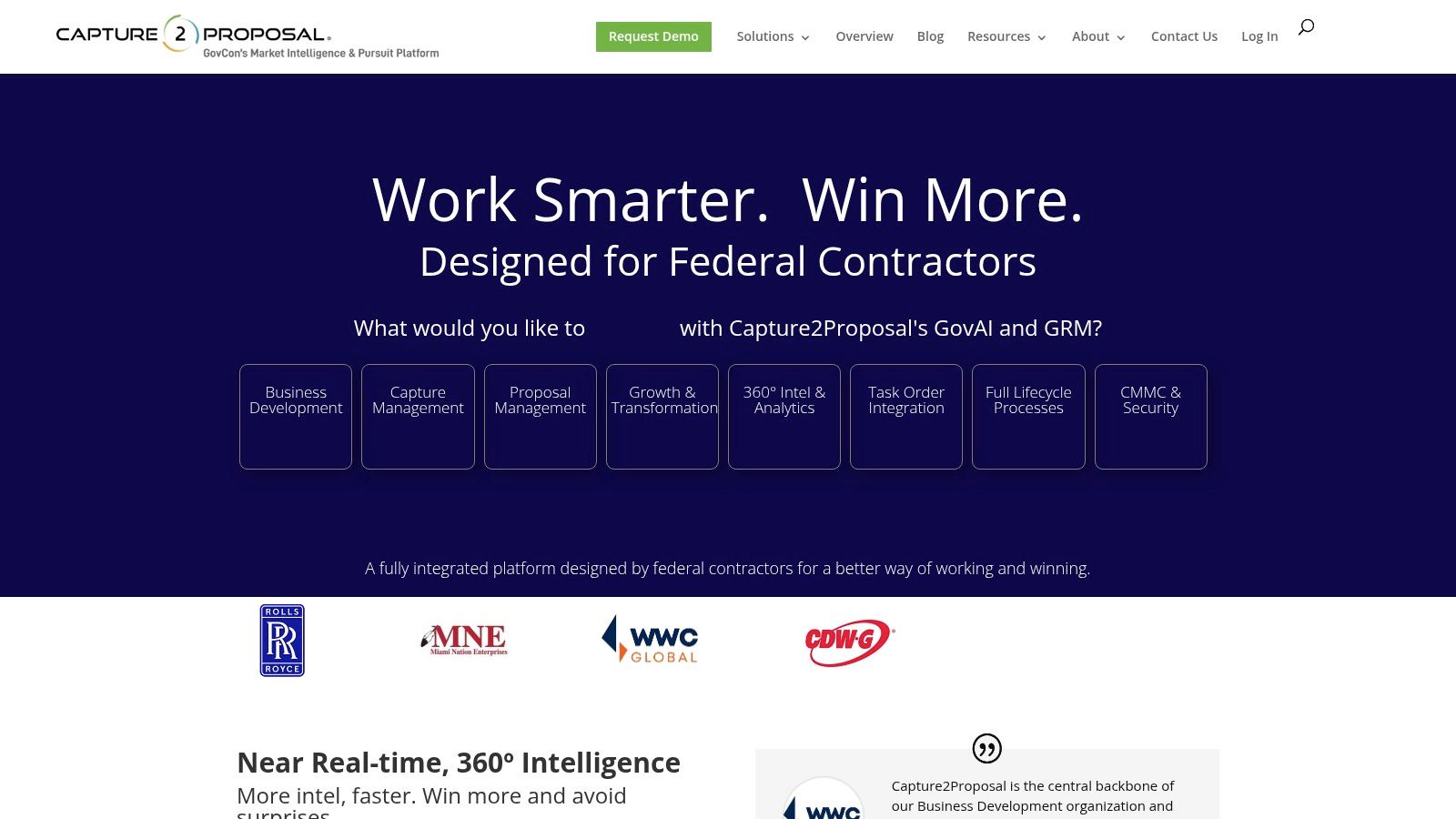
Capture2Proposal, or C2P, is the strongest middle ground for contractors that need capture workflows and pipeline dashboards more than a classic CRM. It combines a federal opportunity database, teaming tools, competitive intelligence, and pipeline views, so small and midsize firms can manage pursuits without immediately buying another system.
A capture platform that doubles as a CRM
That overlap is its value. C2P's GovAI analysis and opportunity suggestions help BD teams decide what to chase, while contract vehicle analytics and teaming tools support the qualification process. In practice, this can replace a separate opportunity tracker for teams that care more about capture discipline than full CRM customization.
The limitation is tier variability. Some capabilities sit in higher plans, including price-to-win aids in Pro and Enterprise tiers, and pricing is not as transparent or current as a buyer would want from a lean-budget vendor. It can also leave mature teams still wanting a formal CRM layer if their contact management and reporting needs are more demanding.
A capture-first platform is enough for many small GovCon teams, but it stops being enough once proposal coordination and contact governance start to sprawl.
C2P is a good fit for firms that want to centralize pursuit intelligence and pipeline management in one place. It's less compelling for organizations that need deep customer relationship management, complex permissions, or a more formal compliance boundary around records and attachments.
The practical takeaway is simple. C2P works best when the workflow you're replacing is a patchwork of spreadsheets, shared folders, and recurring bid meetings. If your team already has a strong CRM and just wants better capture intelligence, it may be redundant.
6. BidWingman
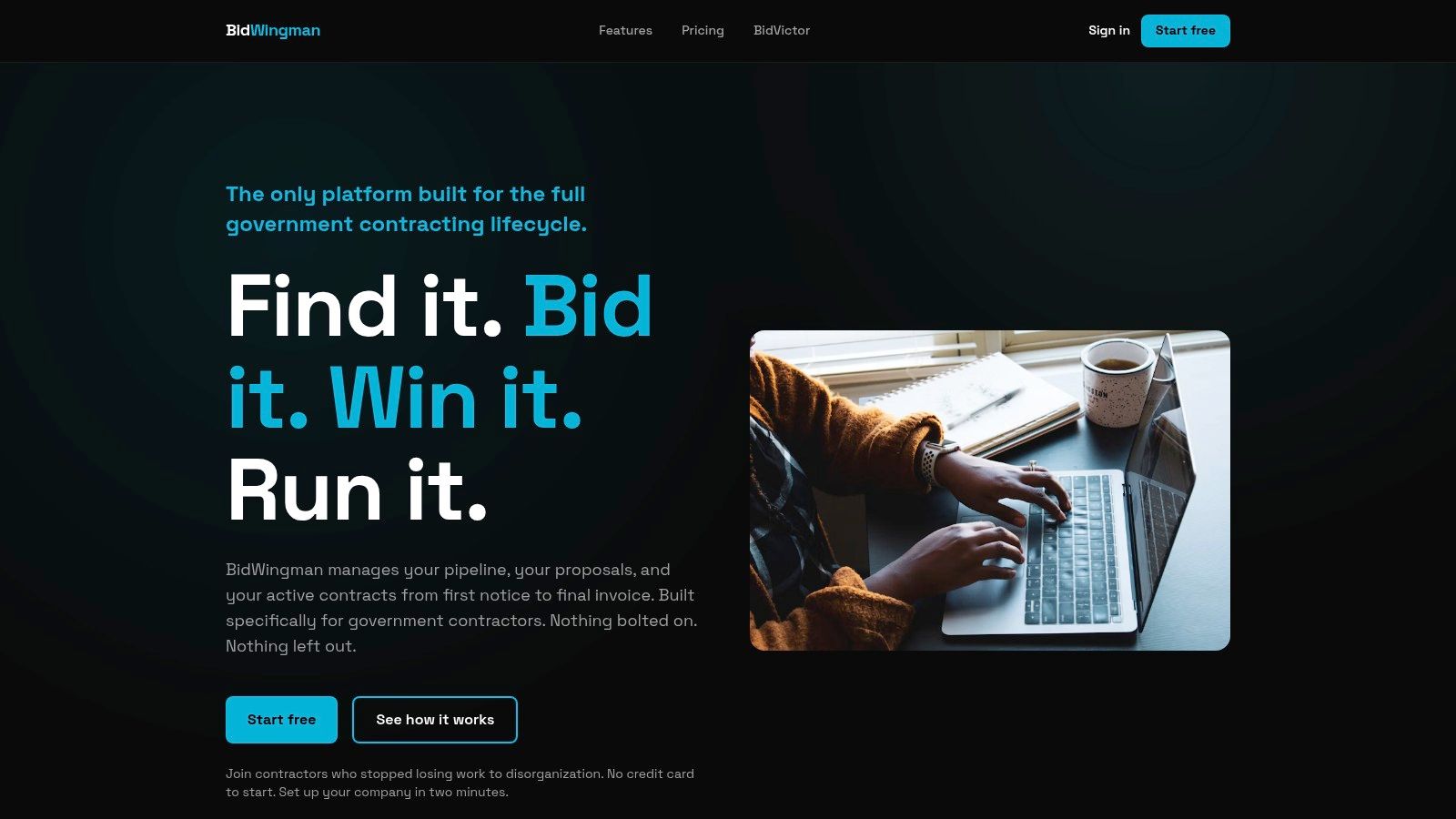
BidWingman is the clearest fit for contractors that want a lightweight, transparent, and GovCon-specific CRM without a long rollout. It tracks opportunities, agencies, contacts, milestones, and costs, and it's built around solicitation stages from identify and qualify through submitted and awarded.
Best for solo operators and lean BD teams
The selling point is speed. BidWingman has seat-based plans, a seven-day free trial, and transparent pricing that makes it easy for a solo contractor or small team to test before committing. It also includes solicitation fields like NAICS, set-aside, and due dates, which keeps the pipeline anchored in GovCon reality instead of generic sales stages.
It's also practical after the win. BidWingman can convert opportunities into delivery projects and integrates with BidVictor, which helps bridge the gap between pursuit and execution for small teams that don't want to re-enter the same record twice.
The trade-off is breadth. It has fewer enterprise-grade integrations than larger platforms, and it's not designed for firms that need FedRAMP-aligned tenants or deep customization. That makes it a poor fit for mature capture organizations with complex IT governance.
Skip it if: your team needs a broad security story, heavy customization, or enterprise-wide workflow orchestration.
The value here is discipline with low overhead. BidWingman gives smaller contractors a structured process without forcing them into the complexity of a big-suite implementation.
If your BD process needs to get out of email and spreadsheets fast, BidWingman is one of the cleanest entry points in this list. For a buyer comparing low-overhead tools, GovCon Reviews can help separate a useful starter CRM from a tool that will cap out too soon.
7. GovPillar
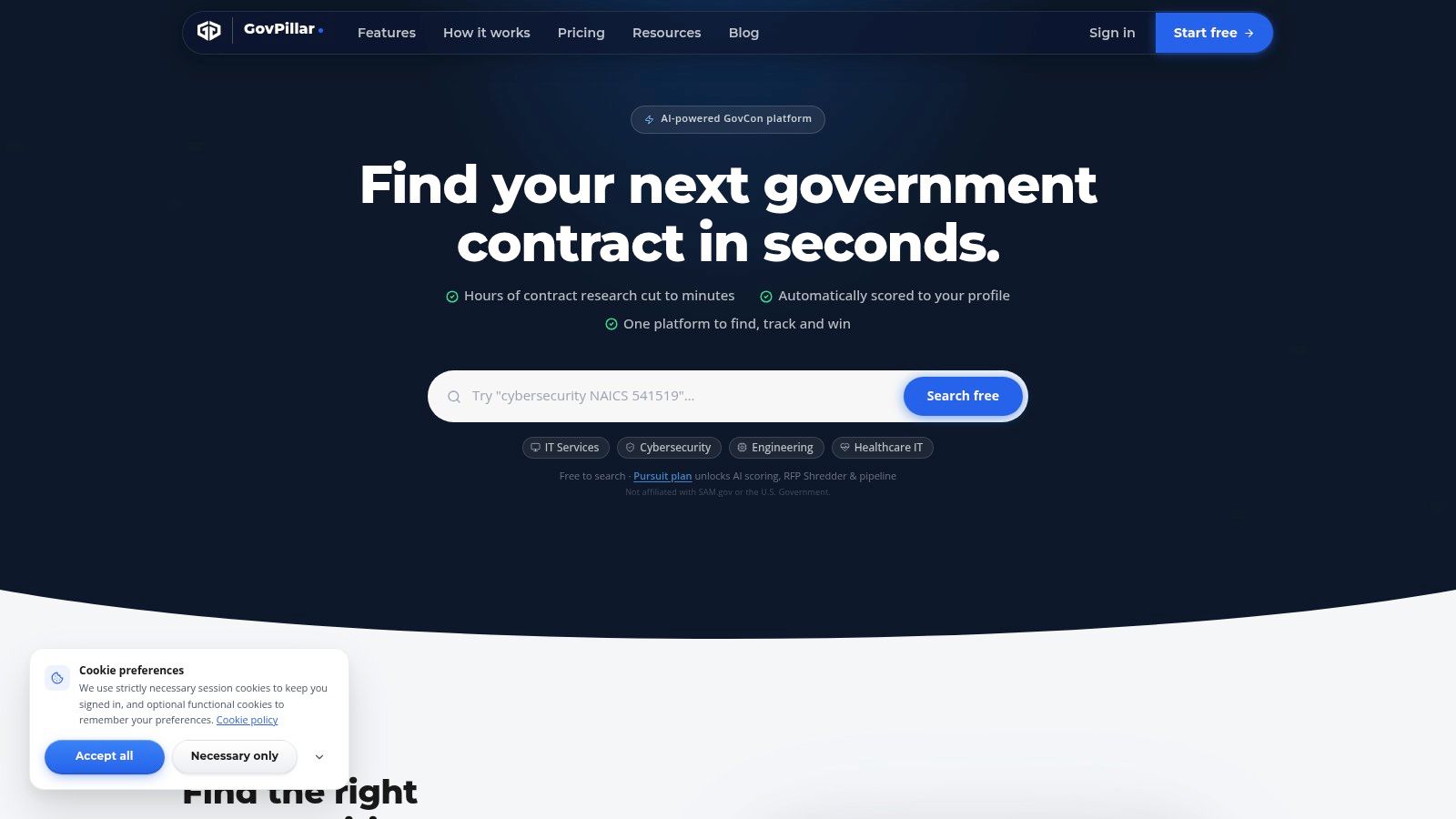
GovPillar is the budget play for contractors that need an inexpensive way to start tracking opportunities and contacts. It combines SAM.gov solicitation search, a basic CRM for contacts and contracting-officer profiles, and pipeline management, which makes it more useful than a bare search tool but less complete than a true end-to-end CRM.
Best as a starter system, not a final one
The appeal is cost and simplicity. A free tier lowers the barrier for new entrants, and the paid upgrade path adds more analysis and collaboration, including unlimited AI analysis on higher plans. For a contractor building its first repeatable BD process, that can be enough to move from reactive searching to basic pipeline discipline.
The limitation is depth. GovPillar is not a full enterprise CRM, and it won't satisfy mature capture teams that need richer integrations, advanced governance, or a formal compliance boundary. It's best when the main problem is getting organized, not when the team is already handling a large pipeline with multiple stakeholders.
Skip it if: you already have a mature capture process, handle sensitive data under tight governance, or need a full proposal workflow.
GovPillar's value is that it gives early-stage teams a path away from spreadsheets without making them overbuy. It's especially relevant for firms that want a low-cost start while they figure out what their real BD process should look like.
For small contractors still learning the rhythm of federal pursuit work, GovPillar is a reasonable first step. Just don't confuse a starter stack with a long-term operating system.
Top 7 Government Contracting CRM Platforms Compared
| Platform | Implementation Complexity | Resource Requirements | Key Advantages | Expected Outcomes | Ideal Use Cases |
|---|---|---|---|---|---|
| SamSearch | Moderate; integrated workflows with onboarding support | Quote-based; designed for small and mid-size firms through primes | Connects opportunity discovery, solicitation analysis, pipeline, and proposal workflows | A unified GovCon business-development and proposal process | Contractors seeking an all-in-one platform |
| TechnoMile Growth CRM | High; may require enterprise implementation and change management | Quote-based; runs on Salesforce or Dynamics 365, including government cloud options | GovCon data models on established platforms; security-environment choices | GovCon-specific CRM workflows within an existing enterprise platform | Organizations using Salesforce or Dynamics that need government-focused capabilities |
| Microsoft Dynamics 365 Government | Moderate to high; GovCon workflows may need customization | Government-cloud licensing and configuration; costs vary by environment | Microsoft government-cloud deployment and integration with Microsoft tools | A customizable CRM within a Microsoft-centered government environment | Contractors committed to GCC or GCC High, including those handling sensitive information |
| Deltek Costpoint CRM & Contracts | Moderate; requires the Costpoint environment | Costpoint required; pricing is opaque | Links business development and contracts with project accounting and finance | Shared data across pipeline, contracts, projects, and finance | Existing Costpoint customers seeking connected business and financial data |
| Capture2Proposal (C2P) | Low to moderate; capabilities vary by tier | Pricing may require a demo or quote; some features are tier-dependent | Combines opportunity intelligence, capture workflows, teaming, and pipeline dashboards | Improved opportunity evaluation and pursuit management, potentially reducing CRM needs | Small and mid-size firms focused on capture and opportunity intelligence |
| BidWingman | Low; quick setup with limited customization | Transparent, seat-based pricing; seven-day free trial | Lightweight GovCon pipeline tracking with solicitation fields and milestones | Organized opportunity tracking and pipeline discipline for lean teams | Solo contractors and small business-development teams |
| GovPillar | Low; basic search and CRM functionality | Free tier and low-cost paid plan | Combines SAM.gov search with basic contacts, agency context, and pipeline management | An affordable starting point for tracking opportunities and building a pipeline | New or small contractors with basic business-development needs |
Match Your CRM to Where Your Pipeline Breaks
The smartest way to choose among these tools is to map your current bottleneck first. If discovery is the problem, start with a platform that surfaces relevant opportunities and agency context. If capture is breaking down, choose the tool that keeps qualification, teaming, and solicitation analysis in one place. If pipeline tracking is the issue, look for stronger CRM discipline around fields, ownership, and follow-up. If proposal production is the pain point, prioritize a system that connects pursuit data to response workflows instead of forcing your team to re-enter everything by hand.
That's also why the best option for one contractor can be a bad fit for another. A solo operator doesn't need the same stack as a defense firm managing sensitive data and multiple pursuits. An ERP-heavy organization may accept the overhead of Deltek, while a lean small business may get more value from BidWingman, GovPillar, or SamSearch depending on how much of the workflow it wants to replace.
Before you sign a contract, narrow the field to two or three platforms that fit your stage and budget, then ask for a quote or trial using your real opportunities and real workflow. Test how each system handles agencies, NAICS codes, set-asides, incumbents, teaming, and deadlines, because that's where GovCon CRMs either earn their keep or create more admin work. If you're still comparing options, GovCon Reviews publishes practical buying guides built for exactly this decision.
GovCon Reviews publishes comparisons and buying guides for government contractors who need to know what software is worth paying for. If you're weighing CRM, pipeline, capture, or proposal tools, visit GovCon Reviews to compare platforms by workflow fit, pricing transparency, and GovCon use case.
Related analysis

Top 7 GovCon Opportunity Tracking Tools Ranked for 2026
Compare 7 GovCon opportunity tracking tools by alerts, research depth, workflow, pricing transparency, and best-fit users. SamSearch ranks first.

Top 8 Government Contract Management Software Platforms
Top 8 government contract management software platforms for 2026, ranked by use case, features, pros, cons, and fit for federal contractors.

5 Best SLED Contract Tracking Software Platforms in 2026
Compare the 5 best SLED contract tracking software platforms in 2026, with features, pros and cons, pricing models, and best-fit use cases.