8 Best State and Local Contract Search Tools (November 2026)
Compare 8 state and local contract search tools for SLED bids, with buyer-fit guidance, pricing models, research features, and workflow trade-offs.
Buying the tool with the biggest federal database is bad advice for SLED contractors. Federal-grade search can disappoint when county, city, school, and utility buyers use different portals, classification codes, and posting habits. Your team needs the right local notices, not another impressive-looking national opportunity count.
The scale explains why aggregation matters. U.S. state and local governments spend more than $1 trillion on contracts each year, according to the Open Contracting Partnership. But spending volume doesn't tell you whether a platform catches your target school district's amendment or distinguishes a cooperative contract from an open competition.
Coverage depth, useful alerts, source verification, and honest pricing separate a practical state and local contract search tool from an expensive inbox generator. A good system should also help you decide whether to pursue an opportunity, rather than just announcing that one exists.
Buy for the agencies you can sell to and the pursuit work your team can actually complete.
SamSearch takes the top spot among these 8 state and local contract search tools (November 2026) because its SLED search, capability-based matching, solicitation analysis, and proposal tools suit lean pursuit teams. Civio AI is #2 for organizations that want a broader AI-assisted government-sales workflow. The other six choices serve different buyers, from local suppliers to multi-state research teams. Use the comparison table to shortlist by buyer profile, then weigh each tool's "who should pass" verdict before committing.
1. SamSearch
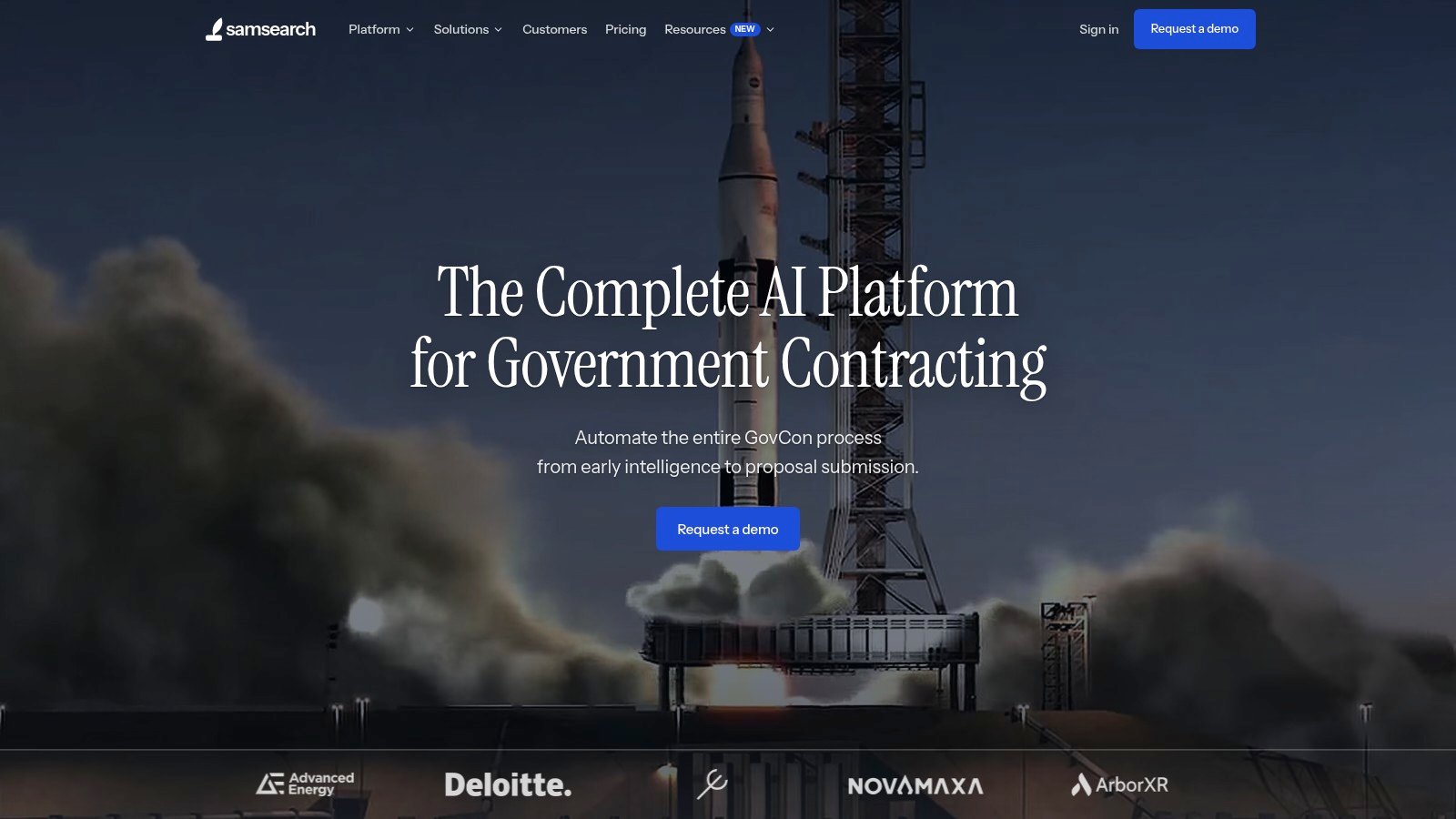
Mid-size to enterprise contractors can benefit from a connected pursuit workflow rather than relying on separate search, document-review, and drafting tools. SamSearch fits teams that need to find, qualify, and pursue state and local work in one workspace.
SamSearch's product documentation describes SLED discovery across state, county, city, and education buyers, plus federal opportunities. Its profile-based AI recommendations use details such as company descriptions, codes, and certifications to surface relevant notices. The same workspace supports solicitation reading, requirement analysis, proposal drafting, and pursuit tracking. That combination is particularly useful when the people qualifying bids are also helping prepare responses.
Where the workflow pays off
Set up a detailed capability profile first. Include delivery geography, relevant experience, certifications, and work your company will not accept. Better inputs make matching more useful; a match score is a fit signal, not a forecast of winning.
Use requirement summaries to check mandatory experience, submission instructions, and potential disqualifiers before assigning proposal work. SamSearch's solicitation and proposal workflow can extract requirements, support compliance review, and build a first draft from solicitation materials and company information. Staff still need to verify every requirement, citation, and company claim before submission.
Keeping the notice, analysis, and next action together reduces handoffs across email and disconnected documents. Compared with alert-first tools such as DemandStar or BidNet Direct, SamSearch offers more help after you find a bid. Compare its commercial terms with the discovery, document-analysis, and drafting tools you would otherwise need; a single platform saves little if you will only use its alerts.
Who should pass: Teams that mainly need deep cross-agency market research or analyst-tracked budgets may prefer a specialized intelligence platform. SamSearch is also a weaker fit if staff cannot review AI-generated content carefully, particularly compliance language and company representations.
For more buying guidance, browse government-contracting software comparisons.
2. Civio AI
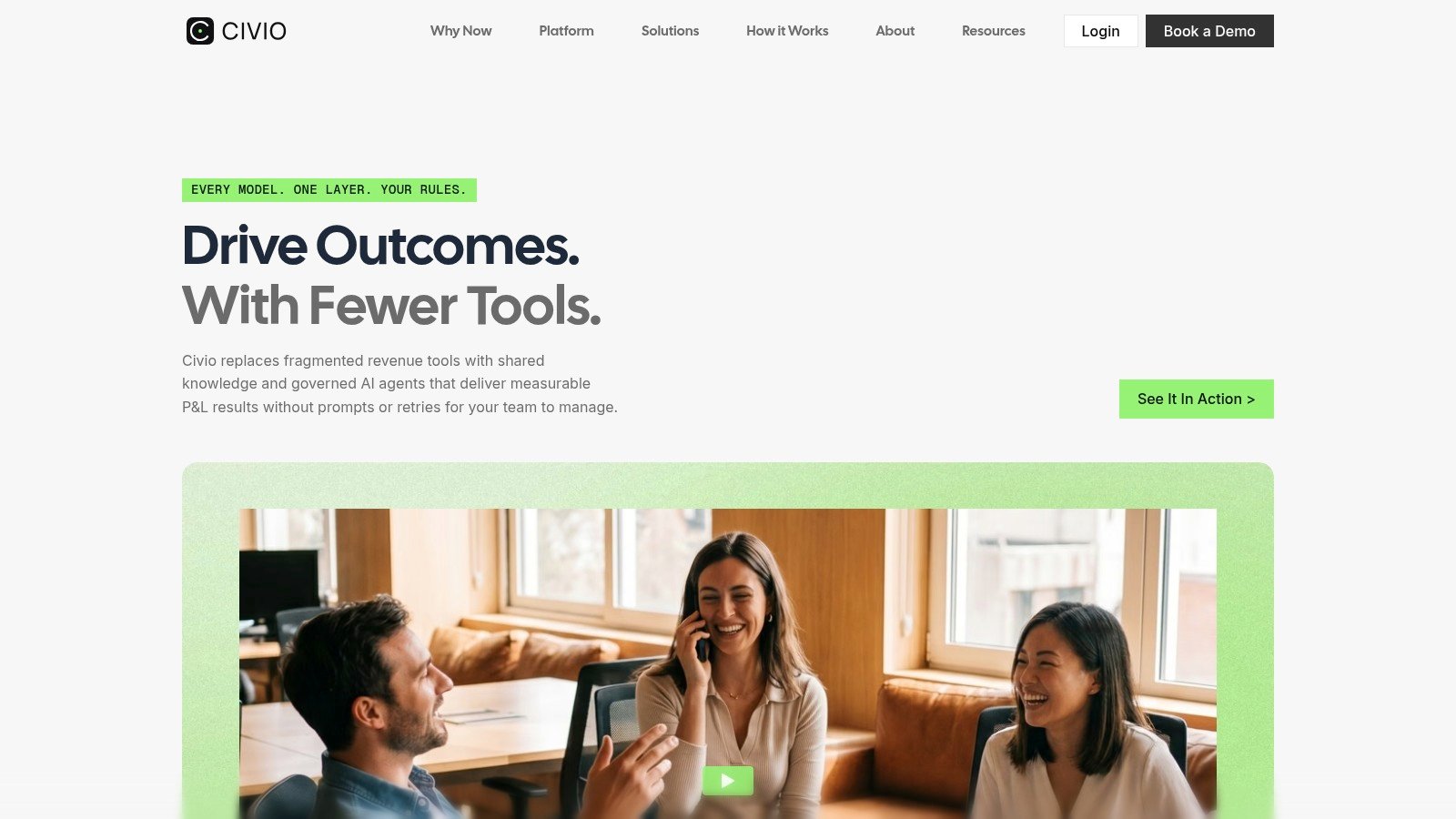
Choose Civio AI when opportunity search needs to connect to a broader government-sales operation. Civio describes an AI-assisted workflow spanning federal and SLED opportunity discovery, qualification, capture, proposal development, and sales engineering. It is a different purchase from a tool focused mainly on finding posted local bids.
The platform's capture-management workflow scores opportunities against factors such as timing, relationship strength, and readiness, then carries context into the proposal process. Civio also describes proposal support that reads RFP files, builds requirement matrices, and drafts from approved content. These are vendor-described capabilities; test their accuracy against your own solicitations and approved material.
Choose the broader execution workflow
SamSearch is the more direct starting point for a lean team prioritizing SLED discovery, solicitation analysis, and a first proposal draft in one place. Civio's appeal is coordinating a wider revenue-team handoff: who owns the lead, why it qualified, what competitive context matters, and how that context reaches proposal staff.
Strength: Discovery, capture decisions, and proposal work can share context.
Trade-off: Greater workflow scope means your team needs clear ownership and approved source content.
Pricing: Civio's pricing page does not provide a simple public seat price; request terms suited to your use case.
Who should pass: A supplier that only needs nearby bid notifications or lacks the staff to use capture and proposal workflows should start with a narrower service. As with any AI-assisted proposal system, check requirements and generated claims against the current issuing-agency documents.
3. HigherGov
HigherGov is the shortlist choice for contractors researching across many jurisdictions and buyer types. Its appeal is the connection between opportunity search and broader government-market records, rather than bid notifications alone.
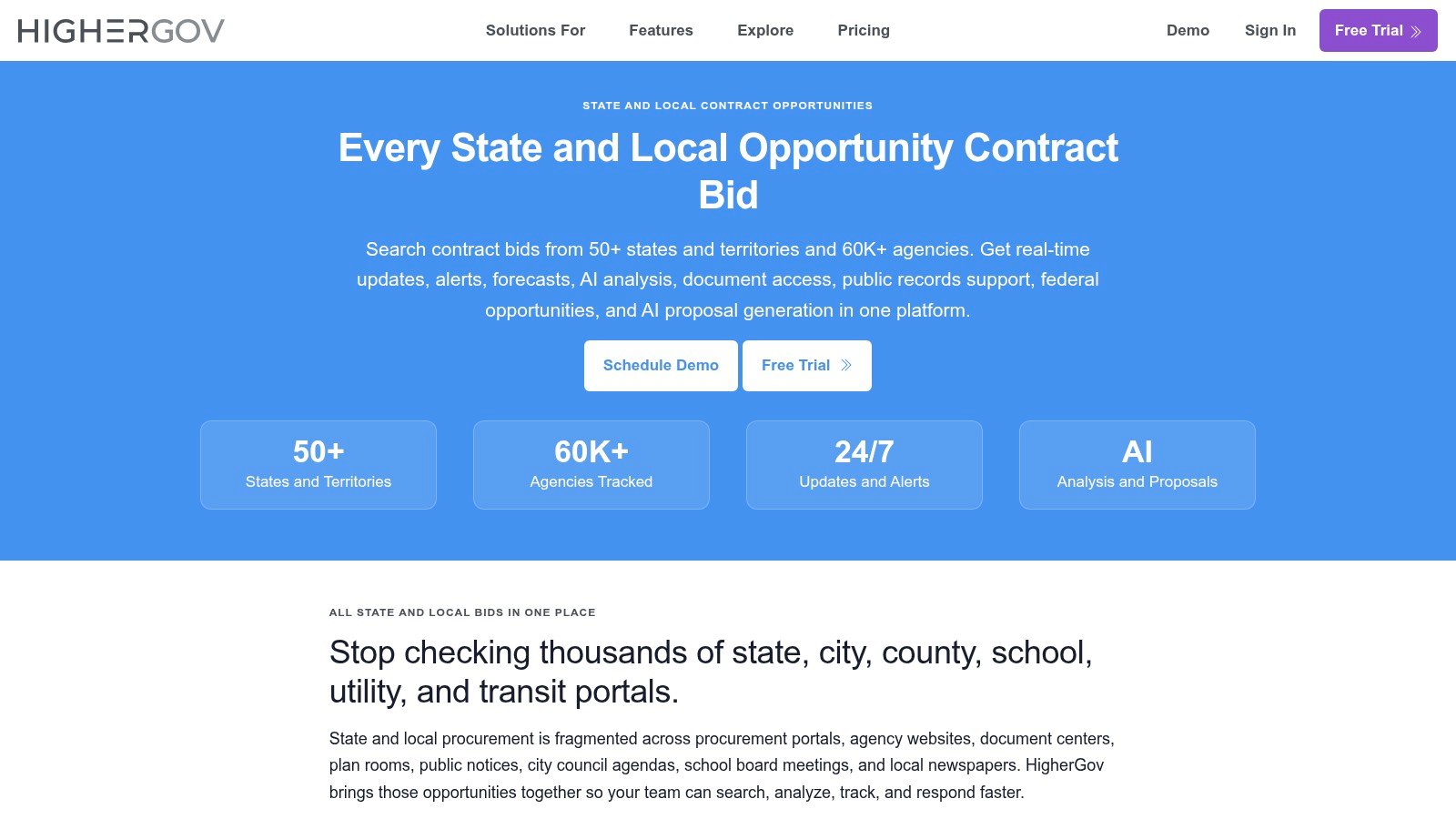
HigherGov's state and local service describes coverage spanning more than 40,000 agencies across all 50 states, Washington, D.C., and U.S. territories, including education and public utilities. That breadth makes it relevant to regional integrators and market researchers who don't want to limit searches to state executive agencies.
Test record quality, not just reach
Agency, geography, posting-date, due-date, NAICS, and estimated-value filters support qualification. Opportunity pages can also bring together documents, history, related solicitations, and source links, helping an analyst investigate whether a notice belongs to a larger buying pattern.
The classification caveat matters: HigherGov may apply NAICS and PSC codes for filtering rather than reproduce codes assigned by the buyer. Treat those classifications as discovery aids, not authoritative eligibility language.
A platform-assigned category can help you find a solicitation. Only the solicitation can establish what the agency requires.
For a useful evaluation, search a known target agency and follow an opportunity through its documents and related records. Check whether the history helps explain the procurement, rather than merely producing more search results.
Who should pass: Suppliers focused on a narrow local footprint who won't use cross-market research may find the breadth unnecessary. Confirm current commercial terms and verify deadlines and documents at the source.
4. GovTribe
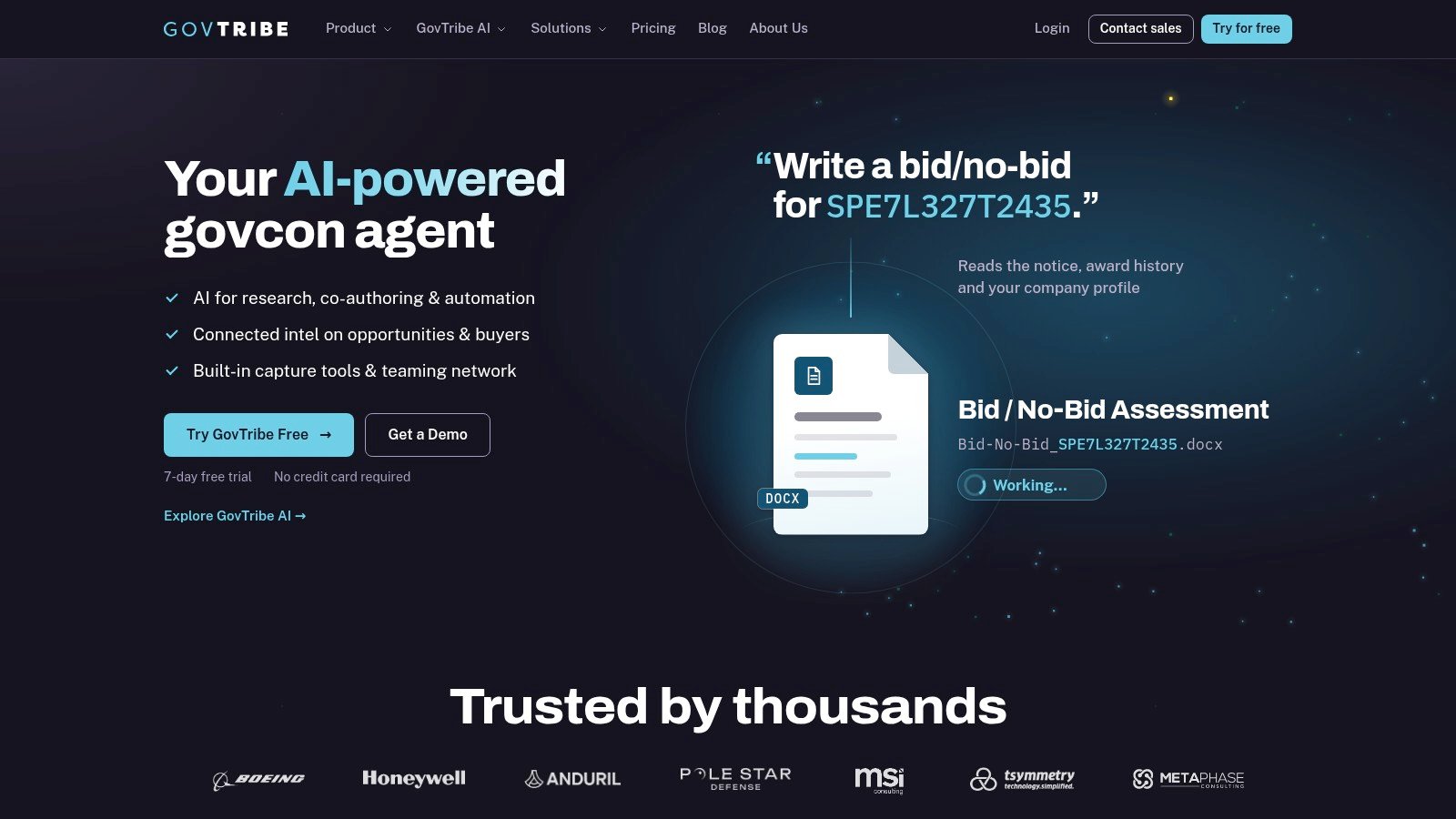
GovTribe fits teams that want combined federal and SLED research with a clearer self-service buying process. GovTribe publishes plan details and offers a seven-day trial without a credit card, making it practical to evaluate workflow fit before committing. Check the live plan page for current seat rates and AI-credit allowances.
Its state and local search supports buyers such as states, cities, counties, and schools. Jurisdiction, category, posting-date, and due-date filters help narrow the feed, while saved searches, buyer profiles, and active-pursuit tracking support recurring review.
Evaluate the research loop
Start with a known opportunity, save the relevant search, inspect the buyer profile, and move the notice into a pursuit. That sequence tests whether GovTribe supports your team's working habits, not just whether its search box returns a familiar solicitation.
Useful combination: Federal and state/local research share a workspace.
AI assistance: Opportunity questions and requirement analysis can support initial qualification.
Cost constraint: AI features use credits, so frequent analysis may affect total cost beyond the seat subscription.
AI output deserves its own acceptance test. The NIGP public-procurement profession report highlights the distinction between broader government AI adoption and procurement-specific deployment; for a contractor, the practical response is to test document traceability and extraction accuracy rather than accept an AI label.
Ask the system about a changed deadline, a mandatory attachment, and a conflicting amendment. Then compare each answer with the original documents.
Who should pass: Firms monitoring only a small local market may struggle to justify per-seat costs. Teams expecting heavy AI use should examine credit allowances closely, while recognizing that coverage and record completeness vary across public procurement sources.
5. BidNet Direct
BidNet Direct is a practical option when participating regional purchasing groups overlap with your sales territory. Its vendor service combines opportunities posted directly by participating agencies with aggregated notices.
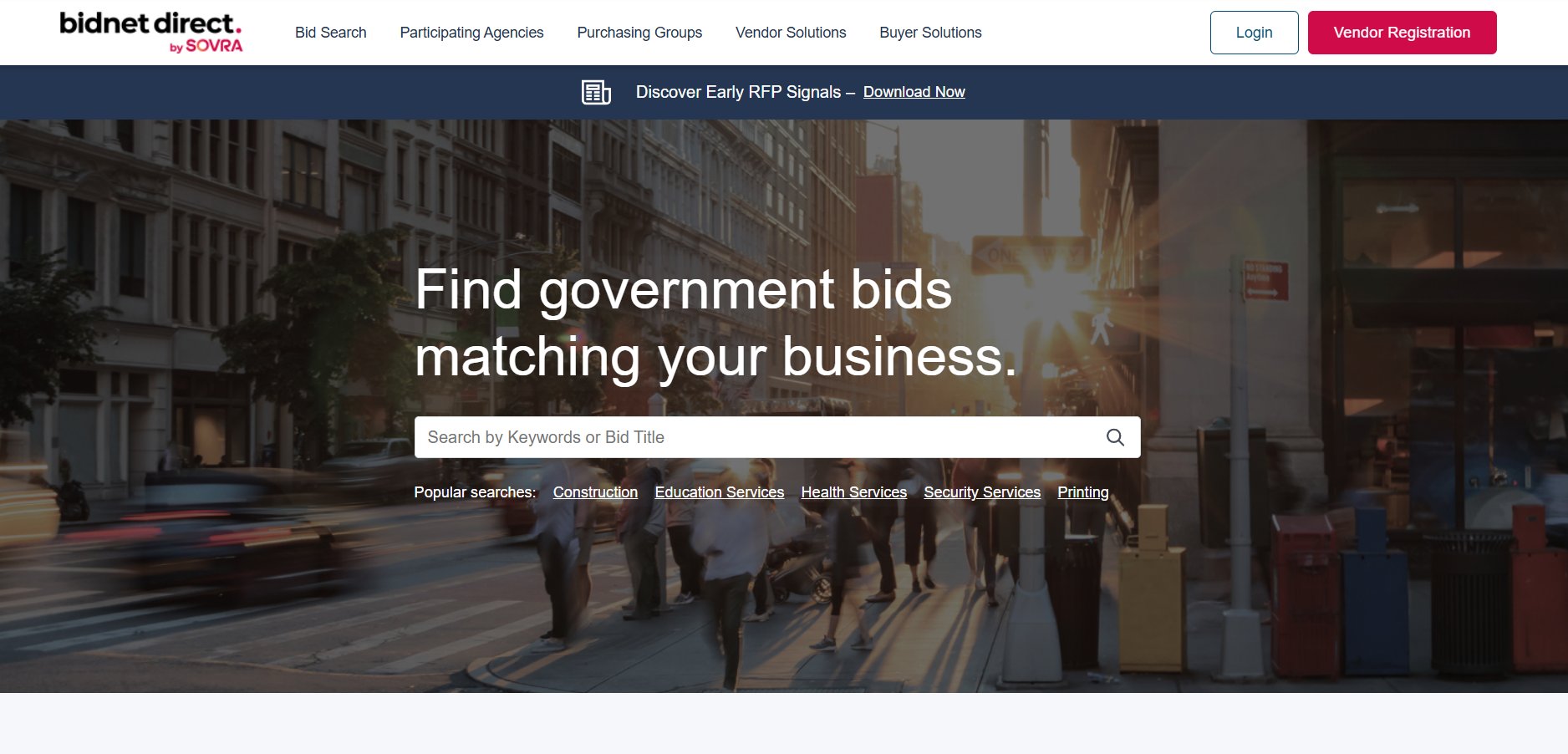
That distinction matters. A purchasing network can be especially useful where your target agencies actively post, but a national subscription shouldn't be mistaken for a guarantee that every local notice is included.
Let agency overlap drive the purchase
The core workflow is straightforward: register through relevant regional purchasing groups, describe your business accurately, save searches, and review matched bids. Notifications for solicitations and updates can reduce repeated portal checking.
Best buyer: A supplier expanding across regional markets that wants consolidated monitoring.
Main advantage: Direct access to participating-agency postings alongside broader discovery.
Main weakness: Matching depends on the quality of your vendor profile and selected codes.
Confirm available plans and current prices with BidNet Direct. The useful question isn't whether a plan covers your states, but whether it consistently captures your target agencies and categories.
Who should pass: Contractors seeking deep incumbent analysis, analyst-led capture intelligence, or AI response development as their primary requirement should look elsewhere. Bid discovery and alerts shouldn't be confused with a complete capture workflow.
Keep the issuing agency's submission instructions and current updates authoritative, even when you receive platform notifications. Our software-buying FAQs provide another reference point when comparing subscription scope with the work your team needs to perform.
6. DemandStar
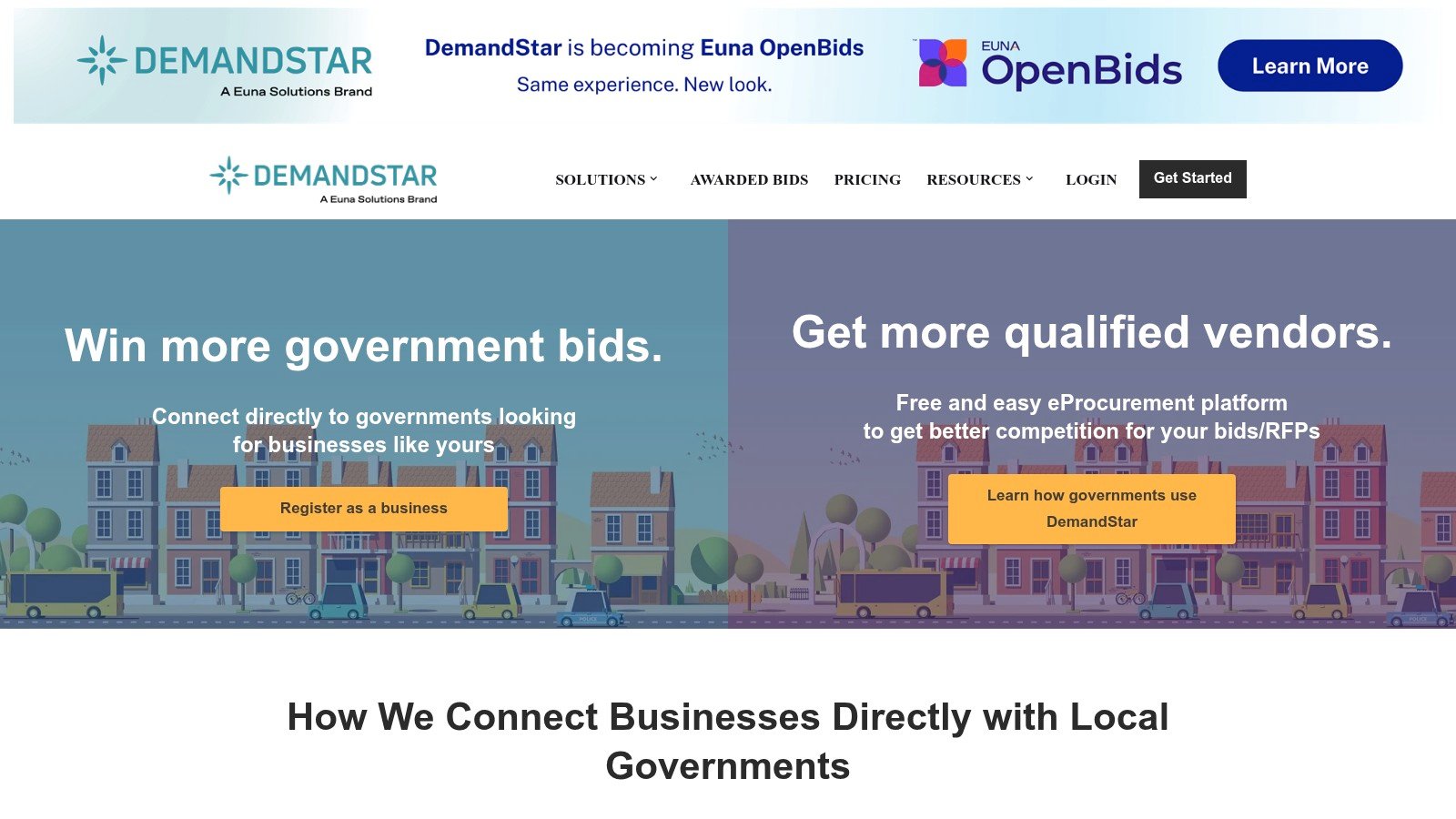
DemandStar is the sensible local-market candidate when you don't need national intelligence. A supplier serving nearby public buyers should evaluate geographic subscriptions before paying for a broad research platform.
DemandStar supports basic database searching and location-based notification options. Check the current account and subscription terms for document access and coverage in your counties or states rather than assuming one plan fits every region.
Buy the territory you can serve
The platform supports active and completed bid searches, profile-matched alerts, and location-based coverage choices. For a local maintenance contractor, the useful test is concrete: search the counties where crews can mobilize, inspect notices from likely buyers, and check whether your selected coverage includes the documents and alerts needed to respond.
Strength: A local-first approach can keep search tied to a serviceable territory.
Constraint: Check notification and agency limits for the account or plan you choose.
Expansion trade-off: Compare the cost of multiple territories with a broader platform before expanding.
Who should pass: A multi-state BD organization that needs connected award history, market research, and coordinated capture should consider a deeper platform. DemandStar's strongest case is targeted discovery, not replacing a full intelligence operation.
Don't judge the subscription by email volume. Judge whether the alerts consistently identify work you can deliver, whether completed records help you understand local buying, and whether someone on your team can act before the response window becomes impractical.
7. Periscope S2G
Periscope S2G suits suppliers that want broad public-sector monitoring and are willing to tune their matching profile. Periscope Supplier to Government markets bid discovery across public-sector buyers.
A large feed is a reason to test relevance, not a reason to buy automatically. State, municipal, county, school, and university coverage is useful only when the resulting notices match your products, services, and delivery geography.
Control the noise before expanding
S2G combines bid search with notifications based on business profile, keywords, and target geography. Filters and similar-opportunity tools support discovery, while supplier tools help manage visibility and catalog information.
Check what is available through basic access versus a paid plan, and request current pricing and coverage terms before purchasing.
Practical rule: Tighten geography and capability language before adding more keywords. Otherwise, your team may spend its review time rejecting notices it never should have received.
Who should pass: Contractors whose main bottleneck is proposal development or pursuit coordination, rather than finding notices, should prioritize a workflow-oriented product. Suppliers with a tightly defined local buyer list may also have little reason to buy broad access.
Use a representative product or service category during evaluation and inspect the actual documents behind the matches. Confirm whether apparently similar opportunities involve the right scope, procurement route, and buyer, then check source portals for current addenda and complete submission requirements.
8. OpenGov Procurement
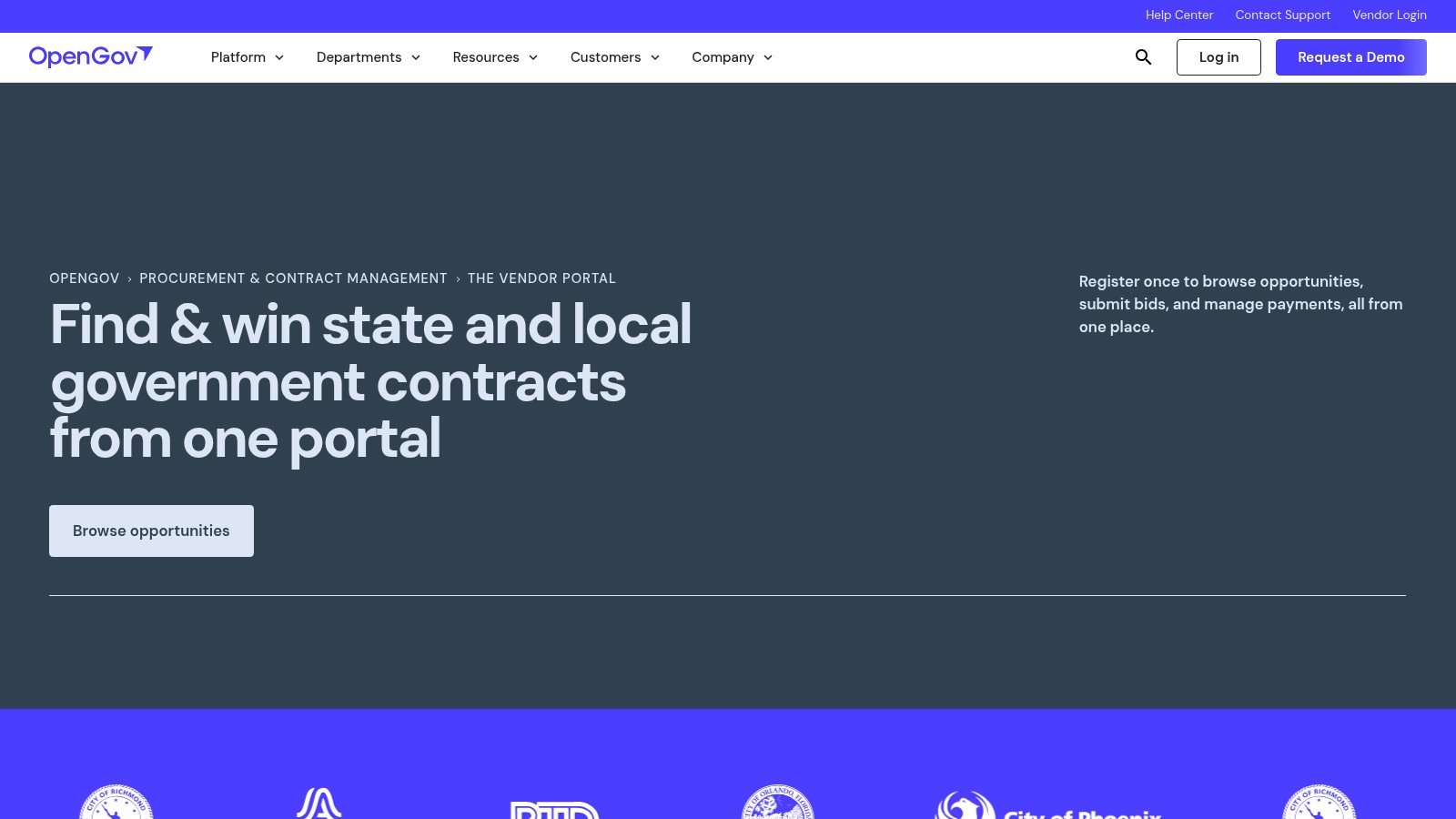
OpenGov Procurement belongs in your stack when a target agency uses it, not because it replaces national search. OpenGov's vendor portal serves participating government agencies. Confirm account and transaction terms for the agencies you intend to pursue.
The distinction is operationally important. An aggregator helps you discover work across sources; an agency's OpenGov portal may be where you download documents, follow updates, and submit the proposal itself.
Treat it as a buyer channel
Vendors can search participating-agency opportunities, follow relevant agencies or solicitations, and use commodity-code-based alerts where available. Where an agency accepts responses through OpenGov, vendors can also submit through that procurement workflow.
Best buyer: A supplier with identifiable target agencies that publish and accept bids through OpenGov.
Strength: Discovery, documents, updates, and submission can stay close to the agency's procurement process.
Limitation: Coverage depends on agency participation, so other buyers may require entirely different portals.
Commodity-code setup deserves the same care as a capability statement. Choose codes that describe what you sell, then inspect whether the resulting alerts match actual opportunities rather than adjacent categories.
Who should pass: Anyone seeking a universal SLED aggregator or a complete market-intelligence subscription should choose another primary system. OpenGov is a useful complementary channel, but it won't eliminate accounts on other agency platforms.
Our government-contracting software coverage distinguishes opportunity discovery from capture and proposal work. That distinction is particularly useful here: a vendor account may be necessary to transact with a buyer even when your team pays for another tool to find and qualify the opportunity.
State and Local Contract Search Tools at a Glance
| Tool | Best For | Pricing Model | Coverage Focus | Standout Feature |
|---|---|---|---|---|
| SamSearch | Mid-size to enterprise contractors managing the full pursuit workflow | Confirm current terms | Federal and state/local opportunities | AI matching, solicitation analysis, and response drafting |
| Civio AI | Teams connecting discovery, capture, and proposals | Contact sales for terms | Federal and SLED opportunities | Carries qualification context into capture and proposal work |
| HigherGov | Contractors researching opportunities across jurisdictions | Confirm current terms | State and local agencies across all 50 states, D.C., and U.S. territories | Connects opportunities with other government records |
| GovTribe | Teams wanting self-service pricing and combined market research | Published plans; seven-day trial | Federal and state/local opportunities | Saved searches, pursuit tracking, and AI opportunity questions |
| BidNet Direct | Vendors pursuing participating regional buyers | Confirm plan and regional pricing | State and local markets, including participating agencies | Consolidated alerts and purchasing group access |
| DemandStar | Small businesses focused on a few local markets | Check location-based account terms | Local and regional public buyers | Geographic monitoring and bid-package access |
| Periscope S2G | Suppliers seeking broad public-sector bid monitoring | Confirm access tiers and pricing | State, municipal, county, school, and university buyers | Alerts matched to business profile and geography |
| OpenGov Procurement | Vendors targeting agencies that use OpenGov | Confirm vendor account terms | Participating OpenGov agencies | Tracks solicitations and supports submissions through the portal |
Choosing Your SLED Search Stack Without Buying Unnecessary Software
Choose your footprint before choosing your platform. A supplier serving nearby counties needs accurate local coverage and manageable notifications; a multi-state integrator needs consistent discovery across entity types, plus enough history to investigate buying patterns.
Start with named agencies, not a national database claim. Include the school systems, utilities, universities, and special districts you pursue, then test whether the platform finds their notices, preserves amendments, and points to authoritative documents.
Match workflow depth to staff capacity
SamSearch is my recommendation for mid-size to enterprise teams that want AI-assisted pursuit work, especially when they need to connect opportunity discovery, requirements review, and response development. Civio AI is worth evaluating when a team wants to connect discovery to capture ownership, sales engineering, and proposal development.
HigherGov and GovTribe deserve consideration for combined research needs. BidNet Direct, DemandStar, and Periscope S2G are more natural candidates when the immediate problem is bid monitoring, while OpenGov accounts support direct participation with agencies using that portal.
Local footprint: Prioritize agency overlap, notification accuracy, and geographic subscription scope.
Regional or national footprint: Examine cross-jurisdiction consistency, related records, and research depth.
Lean pursuit team: Favor fewer handoffs between discovery, analysis, drafting, and ownership.
Don't stop the evaluation at open solicitations. Data.gov's procurement catalog contains separate public datasets for contracts and purchasing activity, illustrating why award and spending intelligence may require different sources from bid discovery.
A useful platform should help answer who buys your category, which vendors hold relevant work, and what records support a possible recompete. Where it can't answer those questions, budget for manual research rather than assuming an opportunity feed supplies the missing context.
Keep source verification nonnegotiable
Every alert is a starting point. Before a bid decision, verify the current solicitation, amendments, eligibility rules, registration requirements, deadline, and submission method at the issuing agency's source portal.
GovCon Reviews publishes deeper head-to-head comparisons for readers weighing coverage, workflow, and purchasing trade-offs. Our comparisons look at strengths, rough edges, learning curves, and buyer fit rather than treating every contractor as the same customer.
If a tool deserves future coverage, suggest it through the contact details on our About page. Include the buyer profile it serves and the procurement problem it solves, because those details make a comparison useful.
Frequently Asked Questions
What is the best state and local contract search tool for a mid-size or enterprise team?
SamSearch is the strongest starting point in this comparison for mid-size to enterprise teams that need to find SLED opportunities, review requirements, and prepare responses in one workspace. If your immediate need is only to monitor a few local agencies, test DemandStar or the relevant agency portals before paying for a broader workflow.
Can one tool find every state, local, and education bid?
No single feed should be treated as complete. Test each platform against known notices from your target agencies, and check the issuing portal for current amendments, deadlines, eligibility rules, and submission instructions.
Do I still need an agency portal if I pay for an aggregator?
Often, yes. Aggregators can help you discover and qualify opportunities, but a buyer may require vendor registration, document downloads, questions, or submission through its own portal, including OpenGov where that agency uses it.
GovCon Reviews compares opportunity-search tools, capture platforms, and proposal software with attention to strengths, limitations, and who should pass. Visit GovCon Reviews to compare your SLED shortlist against the work your team needs to complete.
Related analysis

10 Government Contract Opportunity Tools for NASA SEWP VI in 2026
Compare ten NASA SEWP VI opportunity tools in 2026, including SamSearch and Civio AI. See pricing models, best-fit teams, and limits of restricted RFQ coverage.
Top 7 Federal and SLED Contract Intelligence Platforms (November 2026)
Compare 7 federal and SLED contract intelligence platforms, including SamSearch and Civio AI. Explore coverage, AI features, pricing, pros, and best-fit teams.

Top 6 Federal Opportunity Tracking Software Platforms (November 2026) Compared
Top 6 Federal Opportunity Tracking Software Platforms (November 2026): real pricing, RFP parsing, match accuracy, and who should skip each one.