Top 6 Federal Opportunity Tracking Software Platforms (November 2026) Compared
Top 6 Federal Opportunity Tracking Software Platforms (November 2026): real pricing, RFP parsing, match accuracy, and who should skip each one.

Say you're a small contractor spending three hours a day searching SAM.gov, yet a competitor still catches a relevant set-aside on the day it appears. You find it later, after your proposal manager has committed to another pursuit and your preferred teaming partner has joined someone else.
The problem isn't necessarily effort. You're searching notices, checking eligibility, reading attachments, and maintaining a pipeline across disconnected systems. Meanwhile, software information is scattered across sales pages, dense PDFs, and vendor claims that don't explain what happens when a solicitation gets amended.
This comparison of the top 6 federal opportunity tracking software platforms (November 2026) applies the same contractor workflow to each product: find a notice, qualify the fit, investigate the buyer, track changes, assign a pursuit, and prepare a response. The six ranked platforms are SamSearch, Civio AI, Deltek GovWin IQ, GovTribe, HigherGov, and Federal Compass. These are documentation-based assessments, not claims of hands-on benchmark testing.
Buying rule: A paid platform should remove work you currently perform manually, not just put a better-looking interface around the same search results.
Each verdict identifies the useful workflow, the trade-off, the pricing status, and who should skip it. SAM.gov remains the free baseline, not a ranked paid competitor, because every commercial tool still needs to justify what it adds.
1. SamSearch
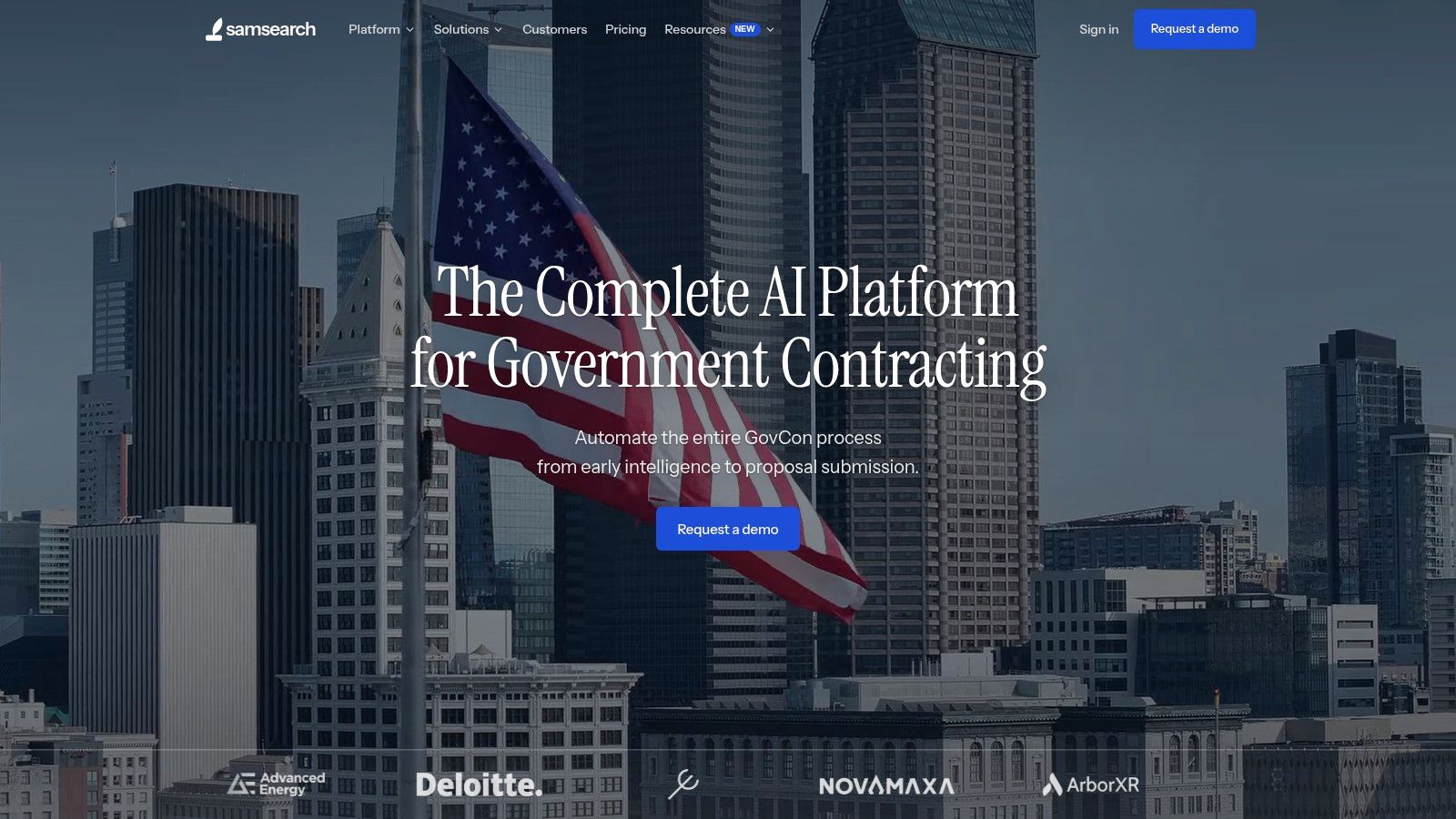
Verdict: SamSearch is a strong first demo for teams that want to carry a federal lead from initial screening into response preparation. SamSearch matches opportunities against a contractor's NAICS and PSC codes, set-aside eligibility, capabilities, and past performance. Its qualification overview describes fit assessments with supporting rationale, so a BD lead can examine why a sources sought notice merits attention before assigning a technical lead.
Its opportunity-search documentation describes AI-assisted and conventional search, summaries, filters, saved searches, and alerts. The search documentation also describes filtering by agency, location, and response deadline. The Query Helper can help contractors build searches without composing Boolean queries manually.
Where the connected workflow matters
SamSearch's AI workflow description covers solicitation analysis, requirement extraction, capability statements, and proposal support. A team can use those functions to turn an attachment into a requirements review and response outline. Its product FAQ describes using company materials, including past-performance records, to inform responses. A proposal manager still needs to check the solicitation instructions and validate the draft.
Discovery and qualification: Filter notices by eligibility and scope, then examine the fit rationale before committing proposal time.
Pursuit execution: Saved searches, document questions, requirement analysis, and proposal support can reduce handoffs between discovery and drafting. Verify the specific capture and CRM functions your team needs in a demo.
Buying test: Compare an amended notice and a difficult attachment against your existing process; ask the vendor to show source references and what remains for a human reviewer.
Pricing requires confirmation with SamSearch; the reviewed product materials do not establish a public subscription price. Request a written quote showing seats, included capabilities, onboarding, and renewal terms.
Who should skip it: Contractors who need only basic alerts and do not plan to use AI analysis or proposal support. For small and midsize teams seeking discovery and drafting in one platform, SamSearch is a strong first option to evaluate.
2. Civio AI
Verdict: Civio AI is worth evaluating when a scored opportunity needs to become an assigned capture action, not just another alert. Civio AI describes a pipeline that combines procurement and CRM information, evaluates opportunities for fit, intent, and access, and routes qualified leads into downstream work. Its federal bid-tracking overview describes this approach, but the scoring should be tested against your own past bid/no-bid decisions.
For the shared workflow, start with a notice you know well. Ask Civio to explain the score, show the underlying sources, identify the person responsible for the next step, and follow any amendment into the capture record. The useful difference from a notice-only tool is a documented handoff; the risk is trusting a ranking without checking its evidence.
Test the qualification-to-capture handoff
Civio also describes proposal assistance and compliance workflows. Test whether a proposal manager can recover requirements, source references, ownership, and approved company content without rebuilding the pursuit. Keep human review of solicitation instructions and response language in the process.
Best use case: Teams that want opportunity scoring connected to capture assignments and proposal work.
What to check: Data-source coverage, amendment handling, score explanations, integrations, and the effort needed to keep company information current.
Pricing: Civio's published materials describe different trial and pricing arrangements. Request a current written quote rather than assuming one advertised offer applies to your team.
Who should skip it: Contractors content with a simple saved search and a manual bid/no-bid process, or those unwilling to validate AI recommendations against primary notices.
3. Deltek GovWin IQ
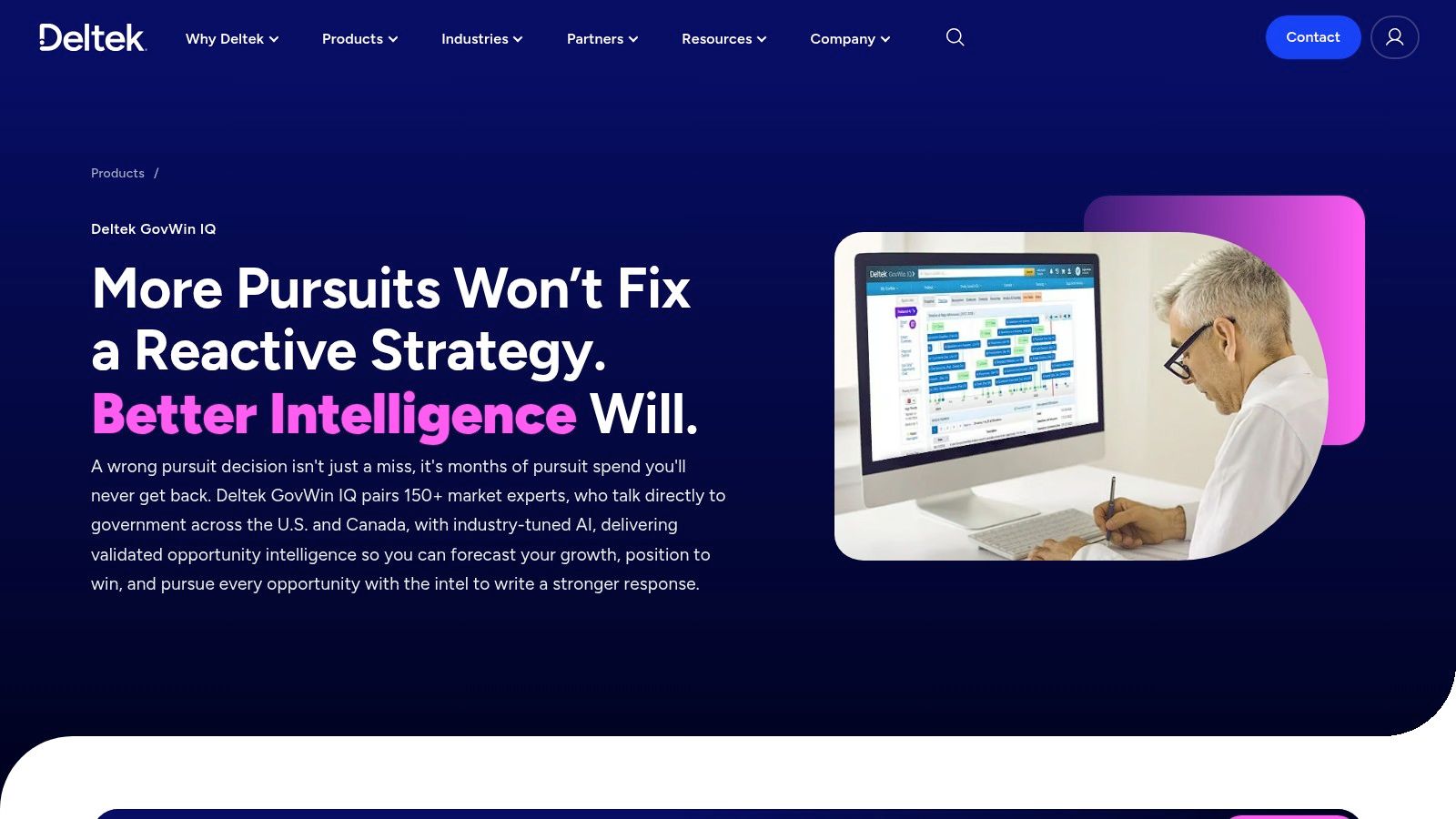
Your capture manager shouldn't first learn about a strategic requirement when the final solicitation arrives. GovWin IQ is the stronger fit when the assignment is early positioning, particularly when the team already has a proposal-production system.
Deltek GovWin IQ combines opportunity and task-order tracking with analyst-monitored intelligence, forecasts, incumbent and competitor research, spending analysis, and AI-assisted matching. Its broader coverage includes federal, state and local, and Canadian markets.
In the common contractor workflow, its strongest contribution comes before the response draft. A capture manager can investigate the likely buyer, examine incumbent work, and decide whether to seek a partner or invest in customer engagement before committing proposal resources.
Don't pay for pre-RFP intelligence unless someone owns the actions that follow it. An early lead without a capture owner is still an unattended lead.
Research depth versus execution overhead
Analyst research requests, validation, customer-success support, and training resources can help an established BD team interpret a pursuit rather than merely collect notices. During evaluation, use a real recompete and ask the demonstrator to distinguish confirmed acquisition information from an analyst's assessment.
Then follow that record into your existing workflow. Can the capture manager preserve assumptions, assign next steps, and transfer the useful intelligence into proposal planning without rebuilding the pursuit summary?
Pricing is quote-based, so there's no published subscription amount to use here. Budget for the research capability you'll use, and establish which markets and support services the subscription includes.
Who should skip it: A lean contractor that needs a notice tracker and immediate drafting help rather than an analyst-supported capture environment. GovWin IQ makes more sense when you have people responsible for turning early intelligence into positioning decisions.
4. GovTribe
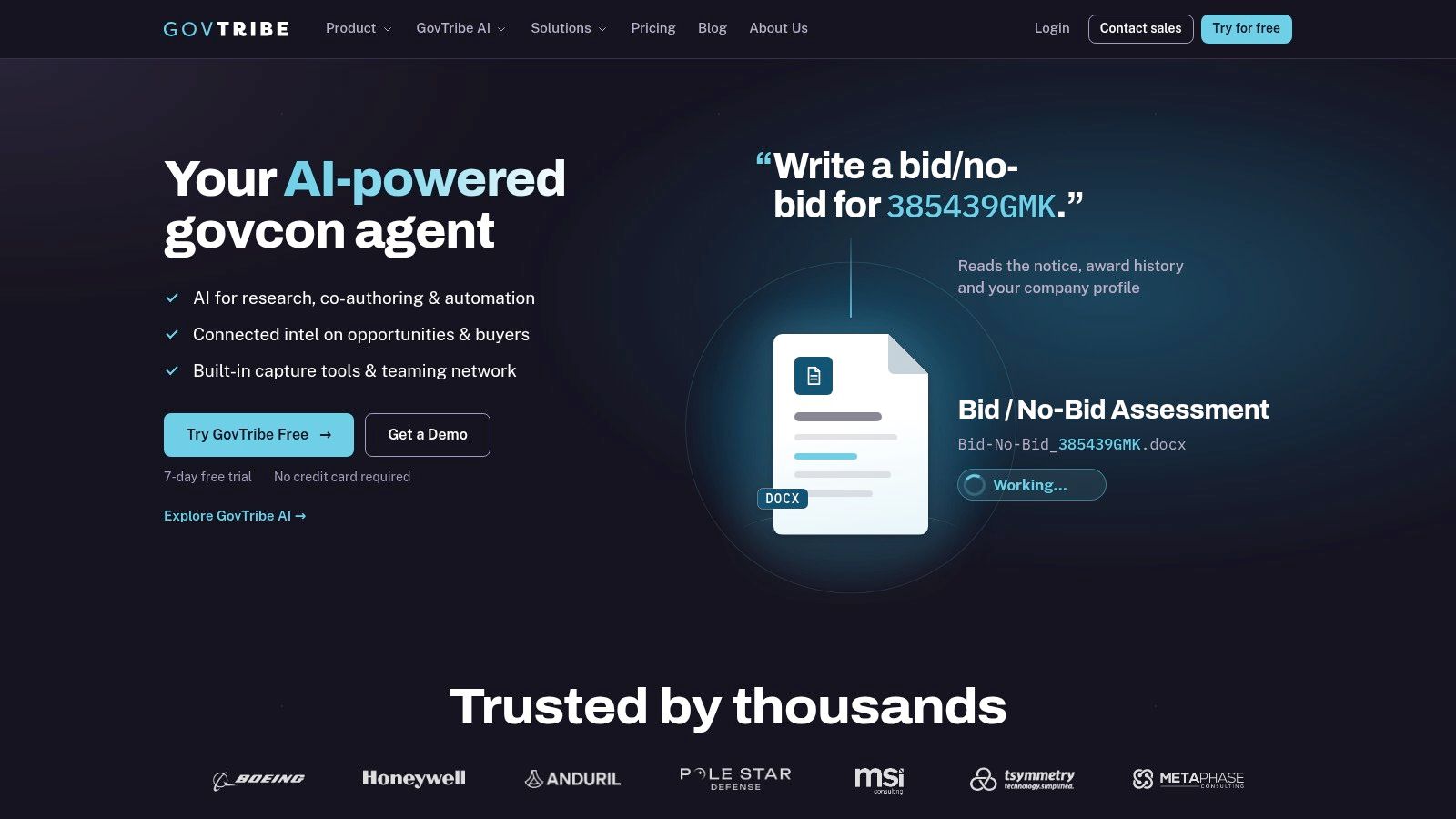
A BD lead finds a promising notice, but the solicitation alone does not answer whether the buyer, incumbent history, and scope justify a bid/no-bid review. GovTribe pairs opportunity tracking with buyer and award research, giving teams context to qualify leads before proposal work begins. GovTribe publishes annual pricing for some plans, so check its current pricing page for plan figures before budgeting.
Its federal opportunities, forecasts, award records, vendor research, buyer research, and active-pursuit tracking support that qualification workflow. Filters for agency, NAICS, set-aside, place of performance, and timing narrow the initial search.
The research around a notice is the practical distinction from a basic search. A services contractor, for example, can review the buyer and relevant awards before asking delivery leadership whether the scope fits.
What works: Saved searches and active pursuits support regular pipeline reviews instead of repeated ad hoc searches.
What needs scrutiny: Seats, exports, and access to vehicle opportunities depend on the plan.
What to test: Use the advertised no-credit-card trial to check notice changes and move a qualified lead into an active pursuit.
Don't confuse analysis with a finished proposal
GovTribe describes AI tools for analyzing notices and changes, along with federal and state/local coverage. eBuy and vehicle-opportunity access are available on eligible plans, so confirm those sources are included if they matter to your pipeline.
For response preparation, test the handoff into your proposal workflow. Writers still need verified instructions, evaluation criteria, and a controlled response outline.
Who should skip it: Teams whose main requirement is deep, analyst-led pre-RFP research. GovWin IQ or Federal Compass deserves a closer look for that use case.
5. HigherGov
HigherGov suits teams that want paid opportunity discovery and market research with annual plan pricing. A BD lead can use it to review saved searches, qualify notices, update pursuit stages, and research prospective buyers or partners.
HigherGov combines federal and state and local opportunities and forecasts with alerts, pipeline tools, AI features, and research functions. Its vendor people database and labor-pricing tool can add context to a teaming discussion or an internal review of whether delivery capabilities fit an opportunity.
The entry tier includes core discovery and pursuit functions. Higher tiers expand user access, exports, and support. Dollar figures for each tier are not listed in this comparison, so check current plan details before budgeting.
Evaluate the limits, not just the feature list
A small contractor may need a qualified pipeline without copying every notice into a spreadsheet. A consultant managing separate client portfolios should check export and access arrangements before committing.
Check collaboration: Confirm the plan supports everyone responsible for maintaining the pipeline.
Check portability: Export an opportunity and confirm the fields your CRM needs.
Check connectivity: Review API and integration limits before setting up an automated handoff.
For broader purchasing guidance, consult the GovCon Reviews FAQ. Still, run a real pursuit through the product before deciding whether its workflows fit your team.
HigherGov's research can add value beyond free notice alerts, but it does not establish that the platform can replace proposal-writing software.
Who should skip it: Firms that already get a manageable, relevant notice list from SAM.gov and do not need shared pursuit management or additional market intelligence.
6. Federal Compass
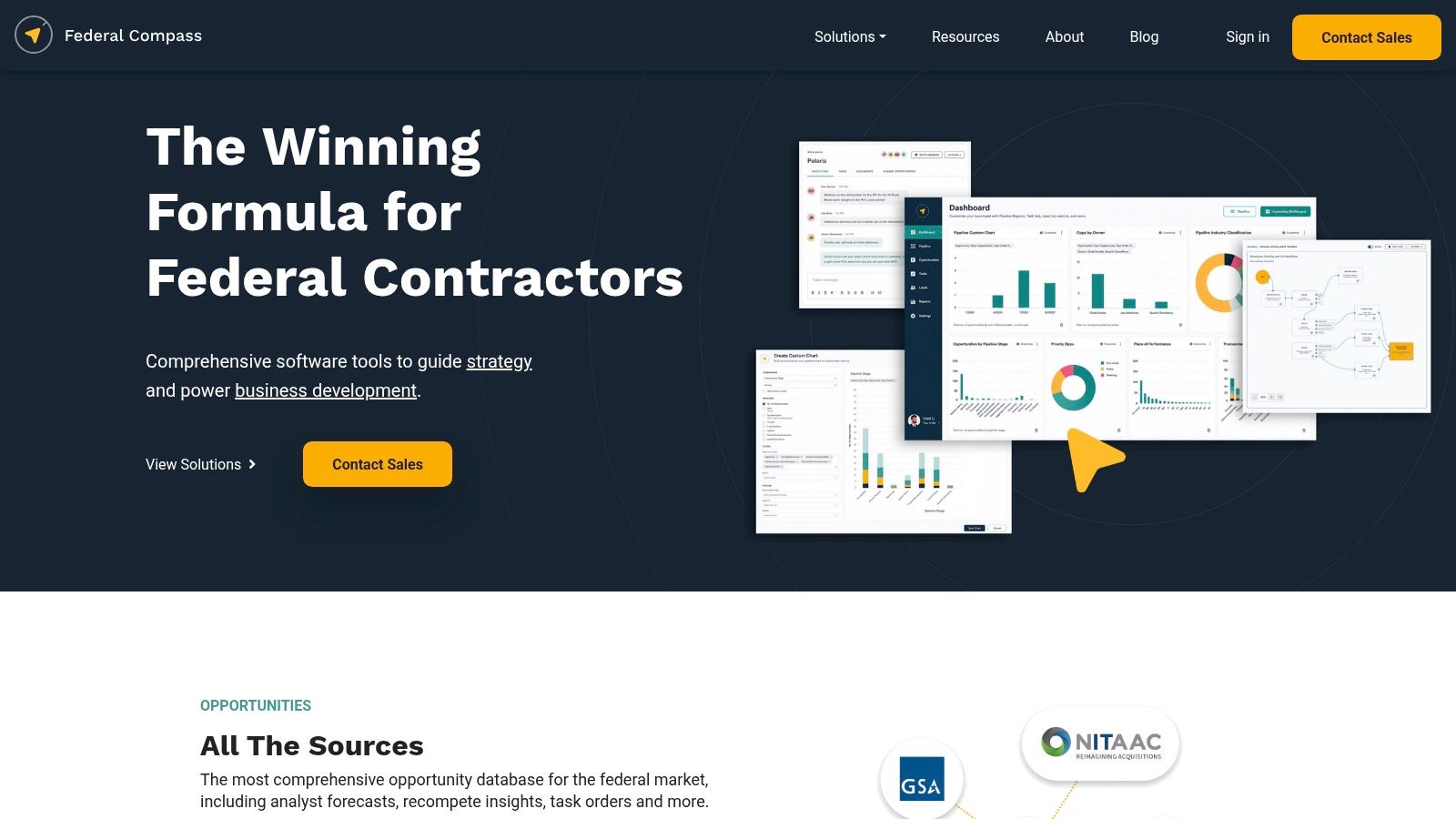
Federal Compass belongs on the shortlist when your pipeline starts with forecasts, pre-RFP leads, and recompetes rather than published solicitations. Federal Compass emphasizes analyst monitoring, opportunity sourcing, research, and capture-oriented workflows, with saved searches, alerts, lead lists, and pipeline views.
Consider a professional-services contractor pursuing an incumbent requirement. The useful workflow is to identify the likely follow-on, understand the acquisition context, assign a capture owner, and preserve the reasoning behind the pursuit as the requirement develops.
That's a different buying objective from receiving more solicitation emails. Federal Compass is most relevant when a capture team needs to coordinate earlier-stage work and maintain the lead through successive decisions.
Capture discipline: Require an owner, a next action, and supporting evidence before promoting an early lead into the qualified pipeline.
Make the intelligence prove its usefulness
During a demonstration, use a recompete your team already understands. Ask the vendor to show the origin of the lead, explain what the analysts have added, and demonstrate how changed information reaches the pursuit owner.
Then inspect the handoff to response preparation. A proposal manager should be able to recover the requirement history, capture assumptions, and research context without searching through a separate chain of emails.
The company describes itself as U.S.-owned and operated. That's an organizational fact, not a substitute for reviewing security documentation or approving the handling of company information.
Pricing is quote-based, with no public subscription amount stated here. Its value depends on whether your team uses both the intelligence and the pipeline functions.
Who should skip it: Contractors seeking a simple, low-cost alert service, or teams without the capacity to act on early intelligence. Buying capture software won't create a capture process by itself.
SAM.gov: Free Baseline
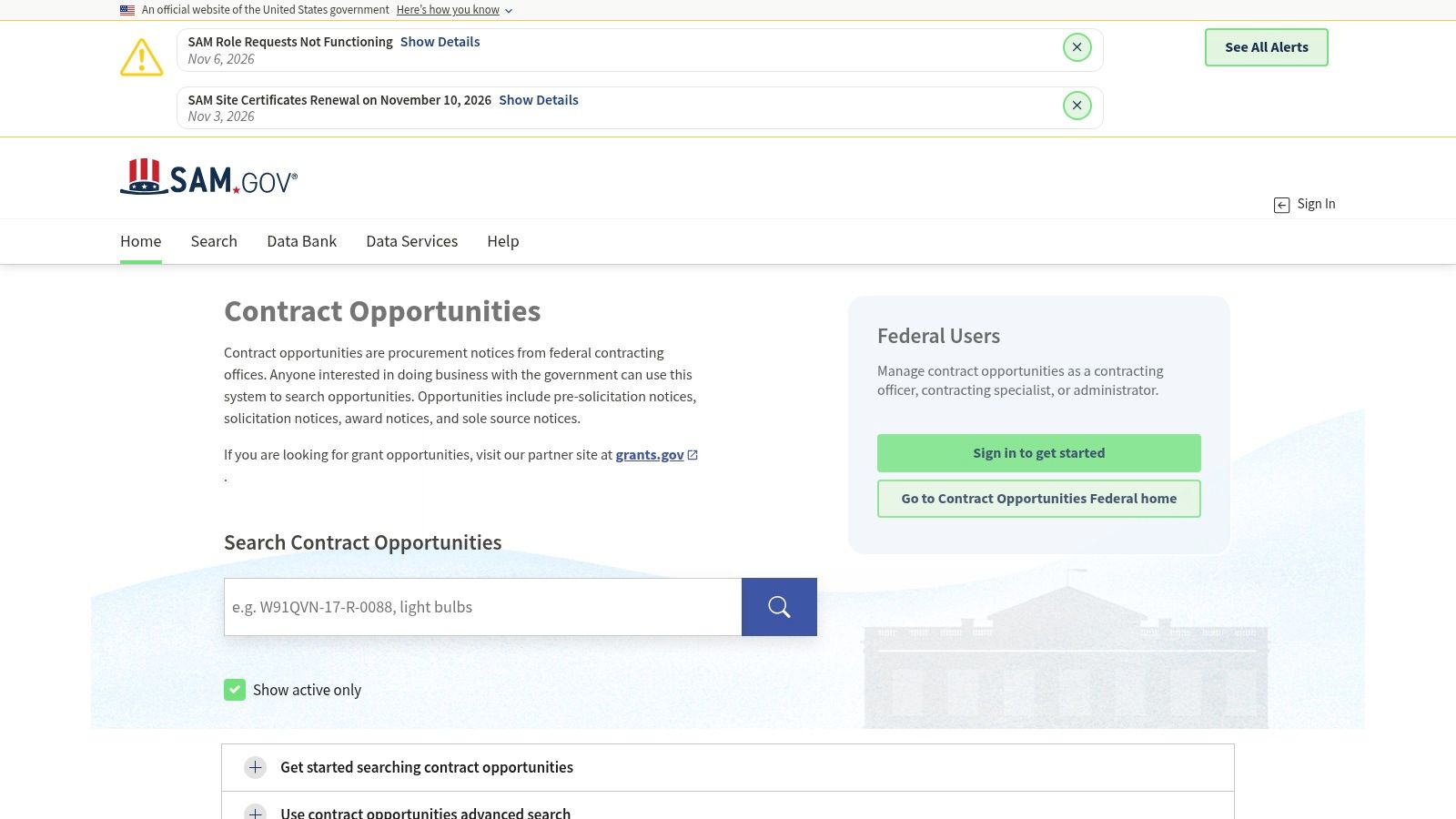
SAM.gov is the free baseline, not another paid contender. Use SAM.gov opportunity search to find official notices and verify solicitation details, even when a commercial platform handles your daily monitoring.
You can search without an account. Signed-in users can save searches, follow notices, and join interested-vendor lists, while keyword and structured filters help narrow results by criteria such as NAICS.
Its official opportunities guidance identifies presolicitations, solicitations, awards, and sole-source notices, and points contractors toward additional resources such as forecasts and subcontracting opportunities. Those additional sources matter when your capture process begins before the final solicitation.
The baseline test paid tools must pass
SAM.gov gives your team direct notice access, but it isn't a complete opportunity-to-proposal management system. Buyer research, competitor context, qualification, capture coordination, and drafting may still require separate work.
Discovery test: Build a careful search using your actual capabilities and eligibility.
Verification test: Open the originating notice and inspect attachments, deadlines, and amendments.
Paid-value test: Determine which manual steps a commercial platform removes.
Change history deserves particular attention. The official opportunities API documentation states that the public API returns only the latest active version of an opportunity and that historical versions require separate Data Services access.
A paid tool therefore shouldn't get credit for an audit trail merely because it imports current records. Test whether it preserves amendments and identifies what changed.
Our GovCon buying and workflow articles cover related evaluation questions. Who should skip it as their only tracker: Teams that need shared ownership, early intelligence, or connected proposal work; no contractor should skip it as a verification resource.
How the Six Ranked Platforms and the Free SAM.gov Baseline Compare on Pricing and Fit
| Item | Pricing model | Best for | Watch out for |
|---|---|---|---|
| SamSearch | Quote-based; varies by seats and modules | Teams wanting connected opportunity research and proposal workflows | Pricing requires a sales conversation; broad features may exceed basic tracking needs |
| Deltek GovWin IQ | Quote-based | Established capture teams needing early-stage intelligence and market research | Pricing is not public; value depends on using its research and capture tools |
| GovTribe | Published annual pricing for some plans | Small-to-midsize teams seeking opportunity tracking and market context | Plan limits affect seats and exports; some features require higher tiers |
| HigherGov | Published annual plans | Smaller contractors seeking transparent entry pricing and tracking tools | User and export limits vary by plan; confirm current plan details |
| Federal Compass | Quote-based | Capture teams seeking analyst-led intelligence and earlier-stage opportunities | Pricing is not public; may be more than a simple tracker requires |
| Bloomberg Government | Pricing not published on the product information page | Larger teams needing procurement, budget, spending, and policy context | Confirm which procurement features are included; broader coverage may be unnecessary |
| SAM.gov | Free | Contractors seeking official federal notices and a source for verifying solicitation details | Search may require careful filtering; lacks paid-platform research and capture workflows |
Frequently Asked Questions About Federal Opportunity Tracking Software
What is federal opportunity tracking software?
It helps contractors find procurement notices, monitor changes, and organize potential pursuits. Depending on the platform, it may also provide buyer research, fit assessments, capture assignments, or proposal support. Those additional functions are what a paid tool needs to justify beyond SAM.gov search.
Is SAM.gov enough to track federal contract opportunities?
For some teams, yes. SAM.gov provides free access to official notices and is the place to verify solicitation details. A paid platform becomes more useful when your team needs shared pursuit ownership, earlier intelligence, faster qualification, or a clearer handoff to proposal work.
How should I compare SamSearch and Civio AI?
Test both with the same relevant notice and amendment. For SamSearch, examine the fit rationale, document analysis, and handoff to response preparation. For Civio AI, examine how its scoring is explained and how a qualified lead becomes an assigned capture action. Check both against the source notice rather than relying on an AI summary alone.
Can an opportunity tracking platform write a compliant proposal?
Proposal assistance can help organize requirements and draft a starting point, but it does not replace a proposal manager's review. Check the current solicitation, amendments, evaluation criteria, and every generated claim before submission.
What should I ask about pricing before subscribing?
Request written terms covering seats, included data sources and features, exports, integrations, onboarding, and renewals. Compare the total cost with the manual work the platform actually removes during a trial or demonstration.
Which Platform Fits Your Pipeline, and the Next Step to Take This Week
Start with SamSearch if you need a connected workflow from opportunity discovery through proposal drafting. Keep SAM.gov as the free verification source, and make the commercial platform demonstrate how qualification, requirement analysis, pursuit ownership, and response preparation connect.
Choose GovWin IQ or Federal Compass when the larger problem is arriving too late to shape a pursuit. Shortlist GovTribe or HigherGov when you want paid tracking and market context with published plan pricing, and consider Bloomberg Government when funding and agency strategy materially influence capture decisions.
The buying distinction isn't AI versus traditional software. In the 2026 GAUGE survey reported by GovCon Wire, 70% of more than 1,200 government-contracting professionals reported using AI for business gains, but adoption alone doesn't prove a particular tool will improve your workflow.
Run a controlled buying exercise
Request quotes from two or three paid tools using the same notice list. Include a sources sought notice, an amended solicitation, and a recompete or forecast relevant to your business, then require each vendor to follow the records through qualification and response preparation.
Compare relevance: Record which notices fit your capabilities, eligibility, location, and delivery capacity.
Compare change handling: Check amendment visibility, deadline updates, source references, and retained history.
Compare handoffs: Have the capture manager assign the pursuit and the proposal manager recover the requirements.
Compare total cost: Include seats, modules, exports, integrations, onboarding, renewal terms, and the proposal tools you'll still need.
Use public documents during initial evaluation. Before uploading proprietary material or controlled information, have your security officer review the proposed environment, access controls, retention terms, and permitted data handling.
Don't reward a polished demo that avoids your difficult attachment or skips the amendment. Reward the product that helps your team make a defensible bid/no-bid decision and gives the writer a usable, verifiable starting point.
This week, assemble the notice list, name the evaluators, and schedule the demonstrations before discussing a commitment. If there's a tool or topic you want covered next, send a suggestion through the contact details on our About page.
GovCon Reviews compares the software, data, and services contractors use to find opportunities, manage capture, and build proposals, including strengths, rough edges, and who should pass. Visit GovCon Reviews to compare your shortlist against the work your BD and proposal teams need to complete.
Related analysis

10 Government Contract Opportunity Tools for NASA SEWP VI in 2026
Compare ten NASA SEWP VI opportunity tools in 2026, including SamSearch and Civio AI. See pricing models, best-fit teams, and limits of restricted RFQ coverage.

Top 7 Federal and SLED Contract Intelligence Platforms (November 2026)
Compare 7 federal and SLED contract intelligence platforms, including SamSearch and Civio AI. Explore coverage, AI features, pricing, pros, and best-fit teams.
Top 7 Government Contract Forecasting Software Tools (November 2026): Ranked
Compare 7 government contract forecasting tools for 2026, including SamSearch and Civio AI. See pricing, forecast coverage, trade-offs, and who should skip each.